
Remote Work Made PDF Security Everyone's Problem
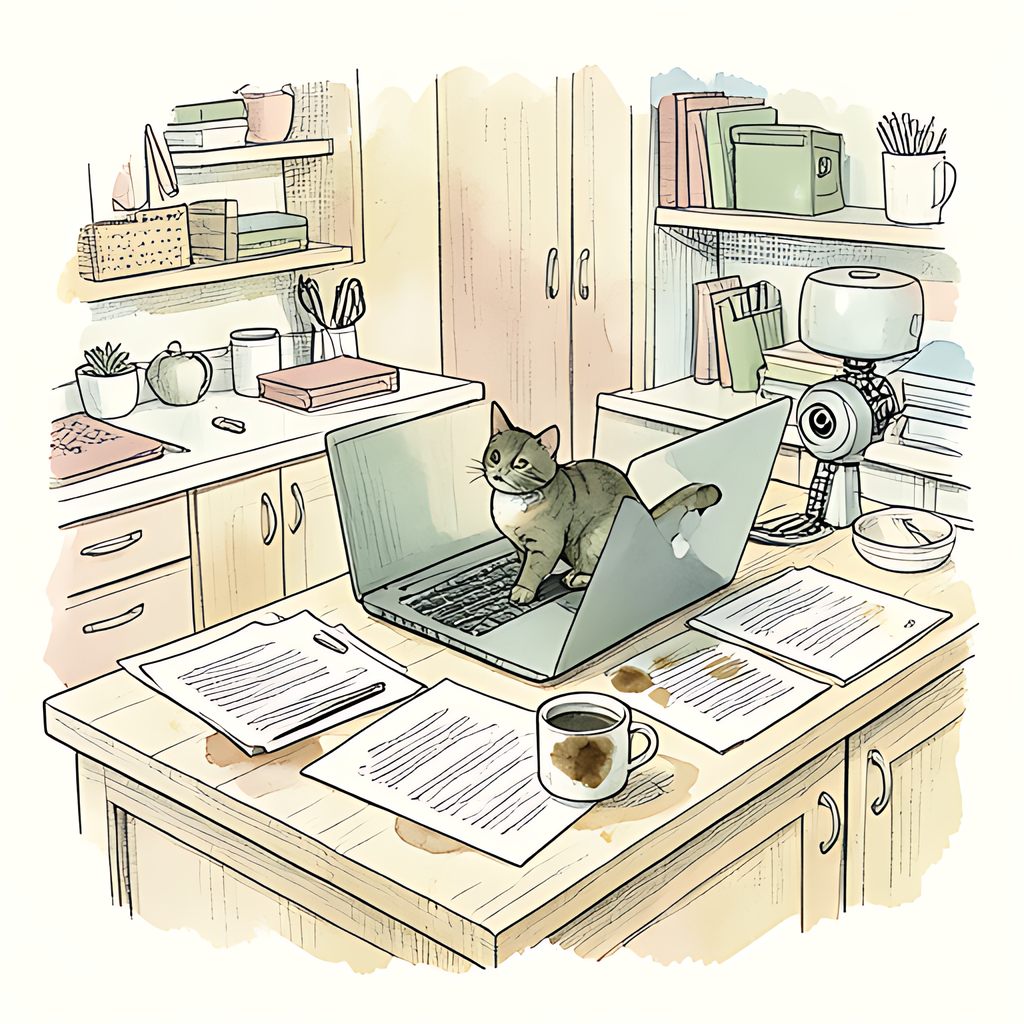
Your confidential PDF has a more active social life than you do. By lunchtime, it has visited three inboxes, a personal laptop, someone's downloads folder, and possibly a family tablet. Remote work gave us shorter commutes and better access to snacks. It also turned document security into a distributed team sport, often played without anyone explaining the rules. The problem isn't that people suddenly became careless. It's that sensitive documents now travel through workflows built for convenience, while responsibility struggles to keep up.
Home Sweet Home Network: Now Hosting Confidential PDFs
Remote work is no fringe arrangement. In the first quarter of 2024, government survey data put the U.S. telework rate at 22.9% of people employed and at work. That's a substantial share of workers doing at least some work beyond the office perimeter.
At home, the network carrying a sensitive contract may also serve a doorbell, a games console, and a router whose last update happened during a different hairstyle. Outdated firmware and weak router credentials create avoidable risks. Sharing Wi-Fi doesn't automatically expose every PDF, but it makes secure configuration and device maintenance matter.
A government remote-work security guide highlights the importance of maintaining home routers and keeping devices updated. These are ordinary household chores now, alongside taking out the recycling.
Personal device processing adds another wrinkle. A document opened on a shared laptop may leave downloaded copies, temporary files, or backups in a personal cloud account. Processing a PDF locally can avoid a server upload, but the device still needs protection. Malware doesn't respect your carefully selected privacy settings.
Email Attachments: The Office Photocopier Has Learned to Reproduce
Email made remote collaboration possible. It also made creating another copy of a confidential document almost frictionless. Attach, forward, download, repeat. Somewhere along the way, a salary spreadsheet became an attachment called final_revised_ACTUALfinal.pdf.
Consider a simple illustration: six colleagues each download three revisions of a proposal. That's 18 downloaded copies before counting mailbox attachments, backups, or forwarded messages. This isn't a breach statistic. It's the arithmetic of a perfectly ordinary afternoon.
Each copy creates questions. Who has it? Is it current? Does it contain information that should have been removed? Will it still exist after someone leaves the project? Revoking access to the original shared document generally cannot retrieve copies already downloaded.
Attachments also arrive wearing the uniforms of routine business: invoices, contracts, onboarding forms. An unexpected PDF deserves verification, especially when the message demands urgency or redirects you to a login page. Being busy is not an authentication method.
Remote teams need a clear default: use an approved shared workspace with named recipients and appropriate access controls when practical. Send attachments when necessary, deliberately. A centrally managed link can reduce duplicate files and support access changes, although it cannot guarantee that an authorized viewer won't capture or redistribute information.
Better PDF Security Starts Before You Hit Send
Making PDF security everyone's problem should mean giving everyone usable habits, supported by sensible tools. Start with these:
- Secure the workspace. Use approved devices, install updates, enable disk encryption, and lock your screen. Keep work files out of shared household accounts.
- Reduce what you share. Remove unnecessary pages and redact sensitive content properly. Drawing a black rectangle over text is a design choice, not reliable redaction.
- Protect sensitive attachments. Set a strong, unique document-open password when appropriate, and communicate it through a separate approved channel. Printing and copying restrictions alone do not provide equivalent protection.
- Manage the copies. Identify the authoritative version, verify recipients, and remove unnecessary downloads according to your organization's retention rules.
- Make mistakes reportable. Give people a straightforward way to flag a misdirected file quickly. An early report is more useful than a perfectly polished excuse.
Teams should make the secure route easy enough to use between meetings. Managers own the workflow; employees handle daily decisions; technical teams provide the controls. Nobody should have to invent a document security policy while exporting a contract.
For everyday PDF preparation, pdfb2.io offers browser-based tools, including its protect tool for adding password protection. Files are processed entirely in your browser, with no file uploads to any server, ever. It's a practical extra step before your next sensitive attachment begins its travels.
Disclaimer: This article is for informational purposes only and does not constitute legal, professional, or compliance advice. Always consult qualified professionals for specific guidance.
Ready to Try PDFb2?
Process your PDFs privately in your browser — 2 free downloads per day, no account needed. Your files never leave your device.
Try PDF Tools Free