
That PDF Attachment Might Be Running Code Right Now
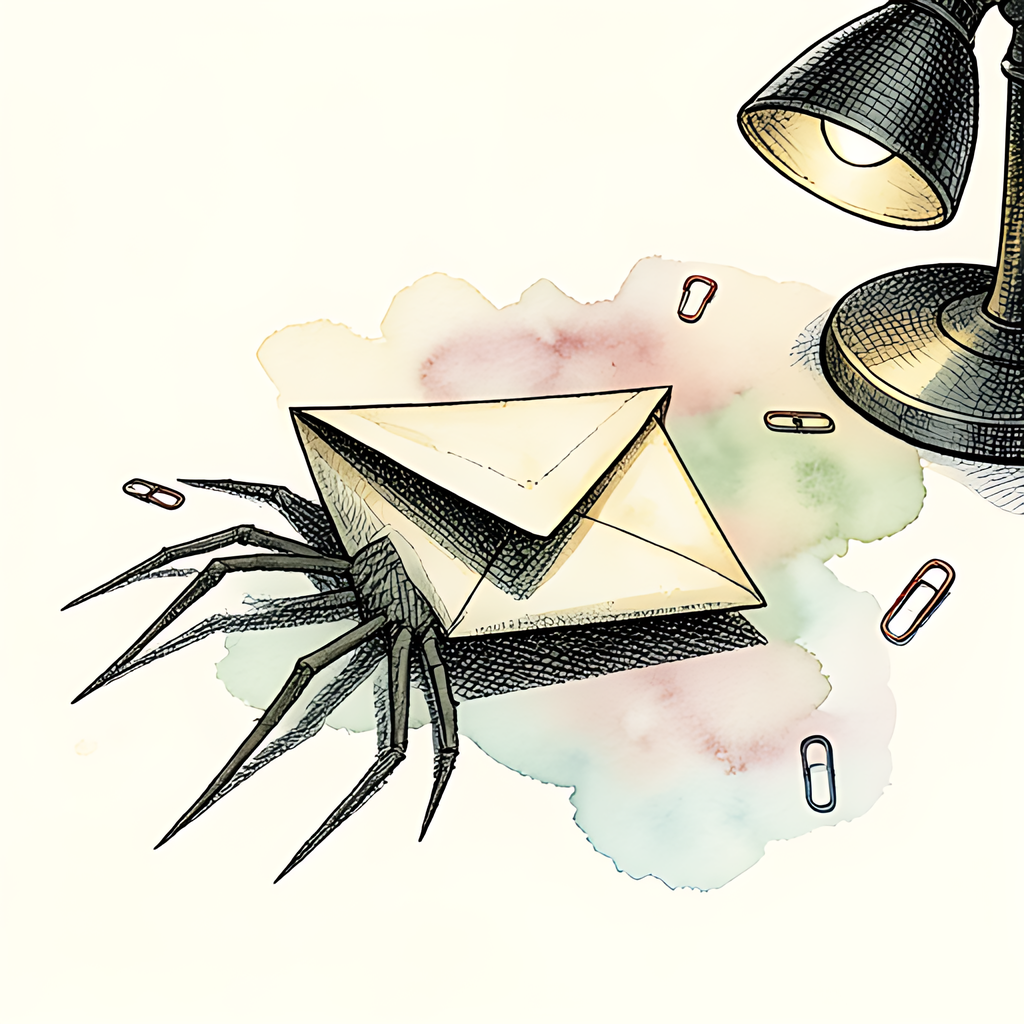
You open what looks like a harmless invoice. Two pages, a logo, a total due. You look it over, close it, and get on with your day. But some PDFs do more than sit there being paperwork. A PDF can hold a small program, set to run the moment the file opens, and it can be busy before you have scrolled to page one. Welcome to the haunted house of PDF malware, where the creepiest thing in the room is the file you double-clicked.
Your PDF Has a Secret Life (And Its Own Scripting Language)
Most people think of a PDF as a digital sheet of paper. The PDF specification sees it differently. Underneath the polished pages, a PDF is a structured container that can hold a surprising amount of active machinery:
- Embedded JavaScript: PDF readers that support scripting can run JavaScript placed inside the document. It is there for good reasons, like calculating form totals or checking a date field. Attackers use it for bad ones, like probing the reader for weaknesses or building exploit code in memory.
- Auto-open actions: An OpenAction entry tells the reader to do something as soon as the file opens. "Additional actions" can also fire when a page loads, a field gets focus, or the document closes. No clicking needed.
- Launch commands: The Launch action was designed to open another file or application. In the wrong hands, it is a polite way of saying "please run this program for me."
- Embedded files: A PDF can carry other files as attachments inside itself, including executables and macro-laden documents.
- Links and form submissions: URI and SubmitForm actions can send you, or your data, somewhere you never meant to go.
Any one of these is fairly harmless by itself. Put them together and you get a file that can open, run a script, unpack a payload and hand it to your operating system, all while showing you a convincing fake invoice.
A Brief History of PDFs Behaving Badly
None of this is new. In the late 2000s and early 2010s, PDF reader vulnerabilities were among the most heavily exploited targets on the internet. Exploit kits often bundled several PDF exploits, because one popular reader sat on nearly every desktop. Some security vendors estimated at the time that malicious PDFs made up a large majority of document-based exploit attempts. Those figures came from individual vendors and are worth treating as approximate.
In 2010, a security researcher showed that the Launch action could run an embedded executable with only a mildly suspicious warning dialog in the way. Within weeks, criminals were sending mass spam with PDF attachments that used the same trick to install banking malware. The attackers had not invented anything. They had read the spec.
As readers added sandboxing, turned JavaScript off by default in many settings, and patched faster, attackers changed tactics rather than giving up. Modern PDF campaigns rely less on breaking the reader and more on fooling the reader's human:
- Link lures: Several major botnet operations have sent PDFs showing a fake "document preview" with a button that downloads the real malware.
- QR code phishing: Security teams have reported a sharp rise in PDFs carrying QR codes that lead to credential-harvesting pages. The trick moves the attack onto your phone, outside the protection of corporate email filters.
- Polyglot files: In 2023, a national computer emergency response team documented files that are valid PDFs and valid Word documents at the same time. Some analysis tools saw a clean PDF while the macro-laden Word side waited its turn.
Industry reports keep ranking PDFs among the most common malicious email attachment types, and phishing is still one of the most common ways attackers get in. The PDF is popular for the same reason attackers like it: everyone trusts it.
How to Avoid Starring in the Sequel
You do not need to swear off PDFs. A few habits remove most of the risk:
- Turn off JavaScript in your PDF reader unless you really need interactive forms. Most everyday PDFs work fine without it.
- Keep your reader and browser updated. Old exploits keep circulating because unpatched machines keep existing.
- Be suspicious of "click to view" buttons and QR codes in unexpected attachments. A real invoice does not need you to scan anything.
- Do not ignore warning dialogs asking to launch a program or open an external file. That prompt is the exact moment an attack depends on you clicking "Allow."
- Verify the sender another way before acting on urgent requests, especially ones involving payments or logins.
- Prefer browser-based PDF viewers and tools, which run inside the browser's sandbox instead of with full desktop access.
It works the other way too. When you send PDFs, you want recipients to trust that what arrives is what you sent. If you share sensitive documents, the PDFb2.io Protect tool lets you add password protection right in your browser. Your file never gets uploaded to a server, so anyone who intercepts it in transit cannot read it. That is one less way for your paperwork to end up in somebody else's horror story.
Disclaimer: This article is for informational purposes only and does not constitute legal, professional, or compliance advice. Always consult qualified professionals for specific guidance.
Ready to Try PDFb2?
Process your PDFs privately in your browser — 2 free downloads per day, no account needed. Your files never leave your device.
Try PDF Tools Free