
The Paperless Office: 50 Years of Being "Almost There"
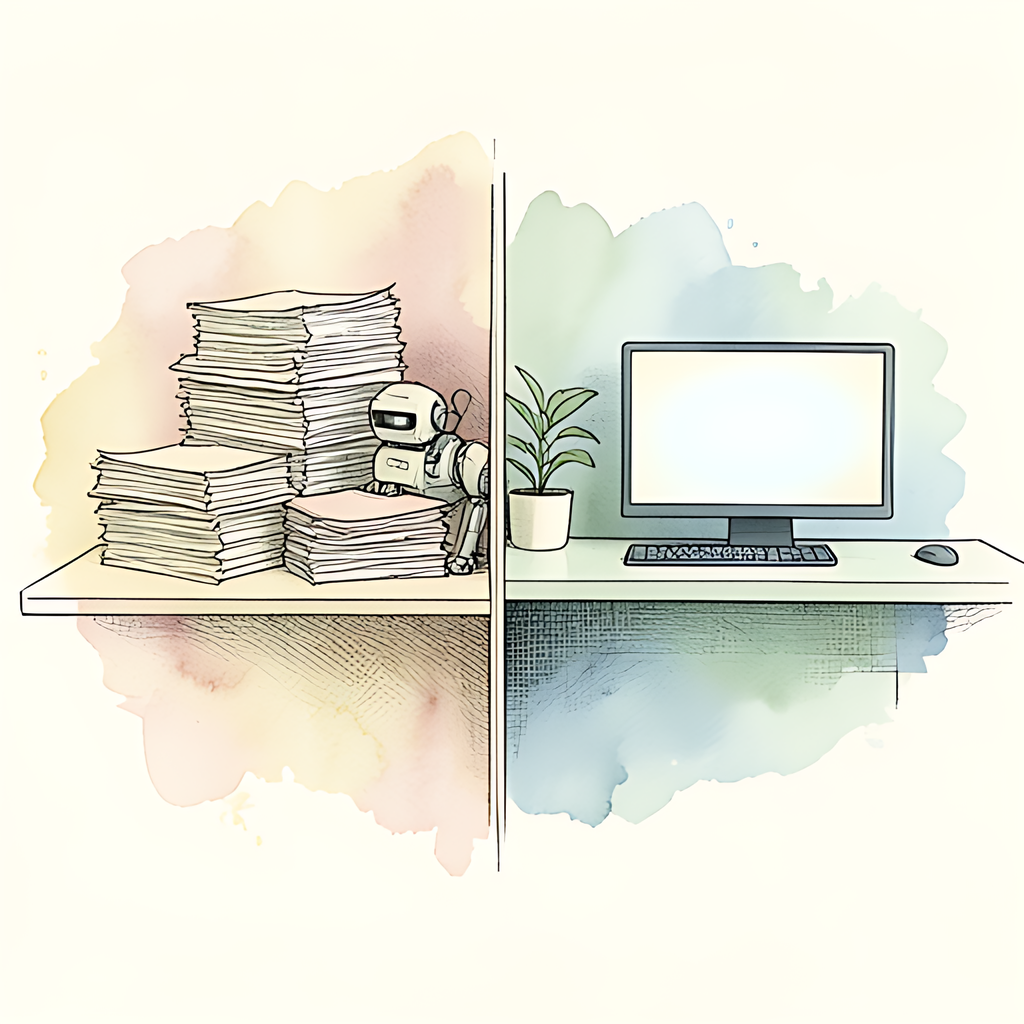
In 1975, a visionary computer scientist predicted the "paperless office" was just around the corner. Here we are, nearly 50 years later, and that corner appears to be both infinite and actively receding. Organizations worldwide have invested billions in digital transformation initiatives, yet the average office worker still prints roughly 10,000 pages per year. The irony? We've never had better technology for managing digital documents. We're simply better at finding reasons not to use it.
The Great Paperless Paradox: Why Digital Workflows Still Need Paper
The paperless office promised liberation from filing cabinets, storage costs, and the eternal hunt for that one document someone printed in 2003. Instead, we've created an entirely new ecosystem of digital friction. Studies suggest that 55% of organizations still rely on hybrid workflows - a polite term for "we digitized everything, but we're printing it anyway."
Several culprits deserve blame. First, there's the psychological comfort of paper. A printed contract feels more official than a PDF on a screen, even if legally identical. Second, regulatory compliance requirements often demand paper trails or certified printed copies, forcing organizations to maintain both digital and physical records. Third - and this is the kicker - legacy systems across industries simply weren't designed for fully digital workflows. A government agency might require a printed signature form, a financial institution might demand archival-grade hardcopy records, and your insurance company insists on processing claims through both channels simultaneously.
Then there's the practical reality: not every stakeholder in a workflow is digitally equipped or willing. That contractor who insists on faxing documents? Still common. The client who needs "something I can hold in my hand" to review? Everywhere. The executive who doesn't trust cloud storage and keeps everything locally? Running a surprising number of businesses.
PDFs: The Unsung Heroes of Digital (Almost) Transformation
If the paperless office has a patron saint, it's the PDF. Since its introduction in the early 1990s, the Portable Document Format has become the closest thing we have to a universal digital paper substitute. It preserves formatting across devices, supports signatures, and maintains security features - all things paper documents do naturally but digital files struggle with.
However, PDFs alone can't solve the paperless puzzle. They're excellent at mimicking paper, which is precisely their limitation. The real value of going paperless isn't just digitizing documents - it's fundamentally restructuring how workflows move through an organization. That requires integration between systems, process redesign, and honestly, some culture change.
The tools that work best in digital transformation are those that make PDF management frictionless. Whether you're converting images to PDFs from client site visits, merging multiple documents for review, protecting sensitive information, or filling forms programmatically, reducing friction in these micro-tasks compounds across workflows. When document handling becomes effortless, adoption naturally increases.
The Path Forward: Practical Steps Toward Actual Digital Workflows
Achieving the elusive paperless office requires three things:
- Accept the hybrid reality. Stop chasing 100% paperless perfection. Instead, minimize printing through deliberate process design. Identify which documents absolutely require paper (signatures, regulatory compliance) and digitize everything else.
- Invest in workflow integration. Digital transformation fails when tools don't talk to each other. Document management platforms, e-signature solutions, and form automation should connect seamlessly.
- Reduce document friction at every step. Every time someone thinks "it's faster to just print this," you've failed your workflow design. Fast, reliable, browser-based document tools that require no installation or server uploads eliminate these friction points.
The paperless office isn't coming because it was never really the goal. The goal is efficiency, security, and accessibility. Paper is simply what we default to when digital systems feel complicated. Make the digital path easier than the paper path, and transformation follows naturally.
If you're working to reduce paper in your organization, start by examining your most common document friction points. Scanning handwritten notes? Converting files between formats? Protecting sensitive information? These repetitive tasks are where digital tools create the most value. Consider whether browser-based solutions - like converting images to PDFs during client visits, or merging documents before distribution - can streamline your workflow without requiring new infrastructure or cloud uploads.
At pdfb2.io, we've built 16 free PDF tools that run entirely in your browser to help reduce exactly these friction points. Whether you need to work with images or documents, everything stays on your device - because privacy and ease of use aren't incompatible.
Disclaimer: This article is for informational purposes only and does not constitute legal, professional, or compliance advice. Always consult qualified professionals for specific guidance.
Ready to Try PDFb2?
Process your PDFs privately in your browser — 2 free downloads per day, no account needed. Your files never leave your device.
Try PDF Tools Free