
Government PDF Redaction Failures: Classified Information's Worst Enemy
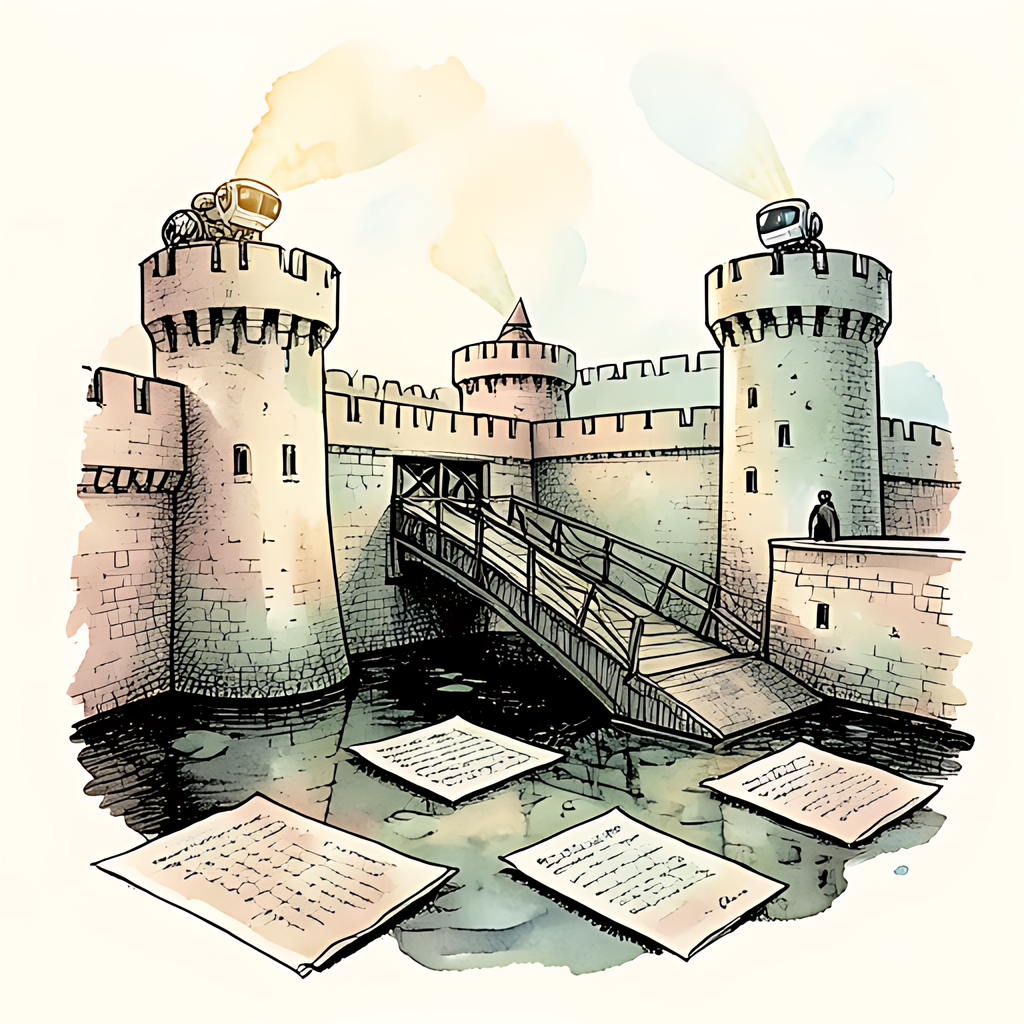
A black bar is not a force field. Yet government PDF redaction failures keep proving that a document can look classified-proof while quietly carrying its secrets beneath a layer of digital stage makeup. When agencies release records through FOIA, litigation, or public reading rooms, one improperly redacted PDF can expose sensitive identities, investigative details, security procedures, or classified context in seconds. The file may look like a fortress. Its underlying text layer may be an open window.
Black Bars Are Not Cryptography
PDF redaction is supposed to permanently remove information, not merely paint over it. A visual cover-up can leave original text, images, annotations, document revisions, or metadata intact. That distinction matters because a reader does not need cinematic hacking skills to encounter information that was never actually removed. If the data remains in the file, the redaction is cosmetic, not protective.
This is not a new lesson. A national-security agency's 2005 redaction guidance warned that black rectangles in office documents could be reversed after PDF conversion. In other words, the people entrusted with very serious secrets had already identified the digital equivalent of hiding a diary under a transparent pillow.
For classified information, the consequence is more than embarrassment. A fragment can reveal sources, methods, locations, investigative priorities, or the confidence level behind an assessment. Context is often the sensitive ingredient. Even when a name is removed, an unredacted job title, date, routing note, or filename can help outsiders connect dots that were never meant to form a picture.
FOIA Releases and Court PDFs: A Public Record with a Private Problem
Transparency obligations create a difficult balancing act: release what the public may see while protecting what the law requires agencies to withhold. The pressure of high-volume FOIA production and court deadlines can turn redaction into a rushed production task. PDFs, unfortunately, are remarkably good at preserving the ghosts of earlier edits.
A widely cited 2008 audit of the federal electronic court system found about 1,600 filings containing unredacted Social Security numbers, along with filings where black-box redaction left underlying taxpayer identifiers untouched. The data point is a useful warning: redaction failures do not require a spy novel plot. Ordinary personal data can be exposed at scale when the workflow fails.
- Overlay failures: A rectangle conceals text visually but does not delete the text object beneath it.
- Metadata leaks: Author names, prior edits, comments, filenames, hidden objects, and embedded links may disclose more than the visible page.
- Version mix-ups: A clean draft can be approved, while an earlier or unflattened PDF is the file that gets published.
Federal courts explicitly caution that black boxes applied in a word processor can leave text recoverable after conversion to PDF. Their redaction guidance is refreshingly blunt: electronic redaction needs more than a dark shape and a hopeful sigh.
How to Keep Sensitive PDF Information Actually Sensitive
Strong compliance is less about dramatic software labels and more about repeatable controls. A defensible PDF redaction process should treat publication as a separate security event, not the final click in a document editor.
- Redact by removal. Use a purpose-built process that deletes the selected content and associated objects rather than covering them.
- Sanitize before release. Review metadata, comments, attachments, layers, links, hidden text, and document properties. A federal records assessment notes that metadata can include hidden text, formatting codes, formulas, and embedded information.
- Verify the published copy. Have a second reviewer inspect the exact release file, not the working draft, and confirm that no sensitive text or objects survive.
- Keep an auditable workflow. Record what was withheld, why it was withheld, who reviewed it, and which final file was approved for disclosure.
The practical rule is simple: if a redaction is important enough to make, it is important enough to test. Browser-based tools can help keep the source document under your control. For sensitive PDF workflows, pdfb2.io offers a browser-based redact tool that lets you work on-device, without uploading the file to a server.
Disclaimer: This article is for informational purposes only and does not constitute legal, professional, or compliance advice. Always consult qualified professionals for specific guidance.
Ready to Try PDFb2?
Process your PDFs privately in your browser — 2 free downloads per day, no account needed. Your files never leave your device.
Try PDF Tools Free