
The Font Inside Your PDF Could Be a Trojan Horse
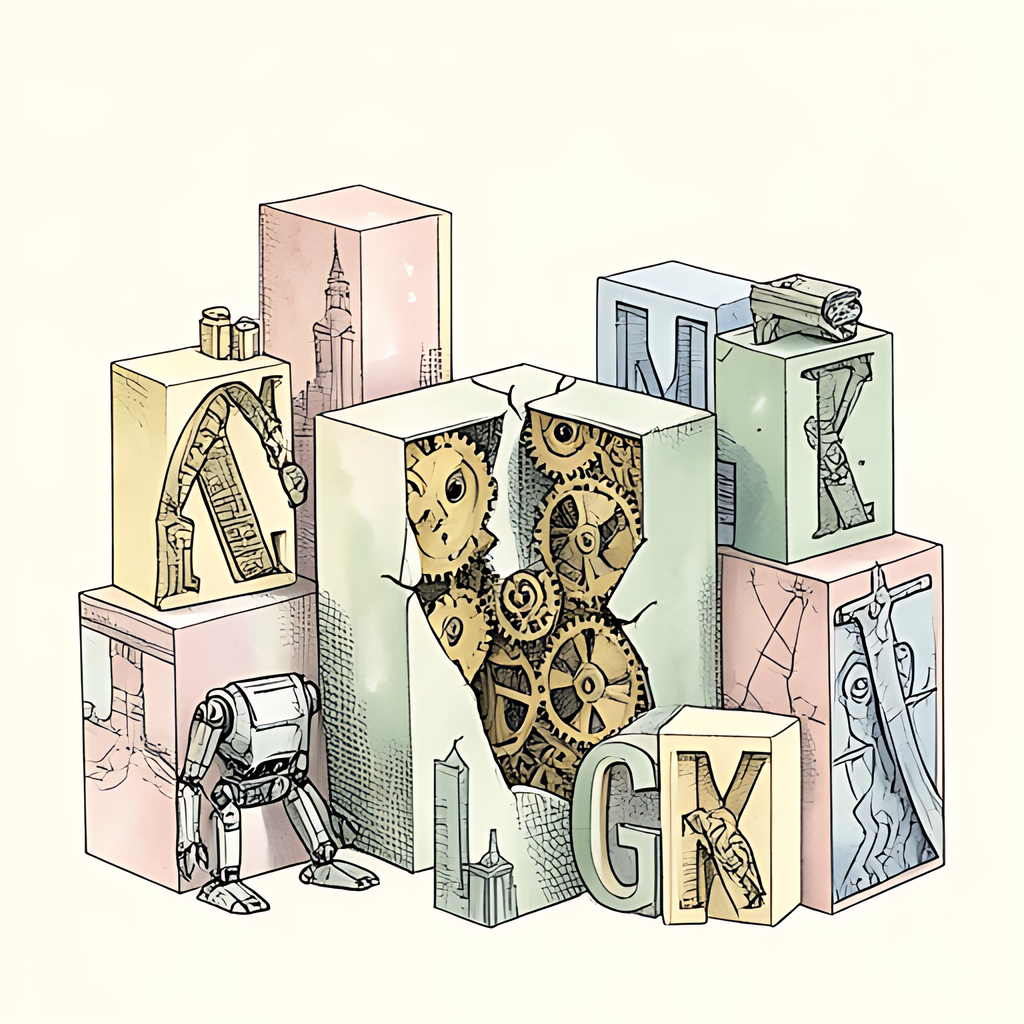
When you open an innocent quarterly report or an electric bill in PDF format, the last thing you suspect of malicious intent is the letter "g". We have all been conditioned to fear suspicious macros, shady script attachments, and dubious executables. Yet lurking quietly behind the smooth curves of an elegant serif font is one of the most historically devastating attack surfaces in digital security: the font parsing engine. That pristine document might be carrying an embedded font engineered not merely to display stylish typography, but to compromise your entire operating system.
Typographic Terrors: When Letters Learn to Execute Code
Most readers assume digital fonts are simple collections of static vector outlines. In reality, standard outline typography formats are closer to miniature programming environments. To ensure glyphs render crisply across various screen resolutions and pixel grids, modern font standards introduced font hinting - a system that relies on its own virtual machine and specialized bytecode instructions. When your PDF reader displays a custom embedded font, it is not just drawing shapes; it is executing low-level instructions designed to shape each character.
For cybercriminals, a complex virtual machine nestled deep inside graphics libraries is an irresistible target. Historically, font parsers across major desktop and mobile operating systems operated with elevated privileges, sometimes running directly inside the operating system kernel. Over the past decade, memory corruption vulnerabilities in graphics and font subsystems have accounted for over 15% of all critical zero-day privilege escalation exploits tracked across leading platforms. A maliciously crafted font with an integer overflow in a size table or an invalid jump offset in a hinting routine can trigger an arbitrary write to system memory. Suddenly, previewing a single document page triggers silent remote code execution before you finish reading the opening sentence.
Font Subsetting: An Innocent Optimization Turned Attack Vector
If full-sized fonts present an architectural risk, surely trimmed-down fonts are safer? Enter font subsetting. When authoring a PDF, embedding an entire commercial font family can bloat a two-page document into a twenty-megabyte monster. To prevent this, PDF generators strip out unused characters and package only the specific glyphs appearing in your text. If your document only uses thirty distinct letters, the embedded font discards the remaining thousands of unicode symbols.
On paper, font subsetting is an indispensable performance feature that keeps file sizes light and load times snappy. In the hands of a threat actor, however, it becomes a sophisticated disguise. Rather than smuggling in a massive font file that triggers static security scanners, an attacker constructs a surgical, malformed font subset. By manipulating internal binary tables - such as character mapping or glyph offset headers - adversaries assemble bizarre Frankenstein fonts that satisfy high-level document checks while priming a crash in the rendering engine.
Because subsetted fonts intentionally deviate from standardized font libraries to save space, automated security gateways often give them a pass. Industry telemetry shows that targeted espionage campaigns have repeatedly leveraged custom font subsets precisely because signature-based scanners see nothing more than an eccentric collection of characters. By the time the parsing engine realizes a table header points out of bounds, memory corruption has already occurred.
Taming the Typography: How to Neutralize the Ghost in the Glyphs
Living in perpetual dread of the alphabet is hardly a practical workflow strategy. Defending your devices against malformed font attacks requires practical digital hygiene and smarter document habits:
- Keep your PDF viewers and operating systems updated: Platform vendors continually patch font parsing vulnerabilities and isolate font renderers into restricted user-space processes. Never postpone security patches.
- Rely on isolated browser environments: Standard modern web browsers feature sandboxed renderers for displaying PDFs. Even if a malformed font forces a parser crash, a hardened sandbox makes escaping to the host system significantly harder.
- Re-encode and compress bloated documents: Compressing and optimizing your PDFs strips out unnecessary embedded assets, redundant glyph mappings, and corrupted metadata streams that attackers exploit.
- Avoid uploading sensitive files to unknown cloud converters: Handing confidential documents to an unknown third-party server risks exposing your data to remote logging or server-side breaches.
Securing your document workflow should never come at the expense of privacy or convenience. If you need to streamline documents, strip unneeded font baggage, and reduce file sizes safely, consider using pdfb2.io's compress tool. Because all operations run entirely within your web browser using client-side processing, your files never touch an external server or leave your local device. You get a lighter, cleaner PDF without exposing your data to remote security risks.
Disclaimer: This article is for informational purposes only and does not constitute legal, professional, or compliance advice. Always consult qualified professionals for specific guidance.
Ready to Try PDFb2?
Process your PDFs privately in your browser — 2 free downloads per day, no account needed. Your files never leave your device.
Try PDF Tools Free