
Your PDF Upload to a "Free Tool" Could Have an Afterlife
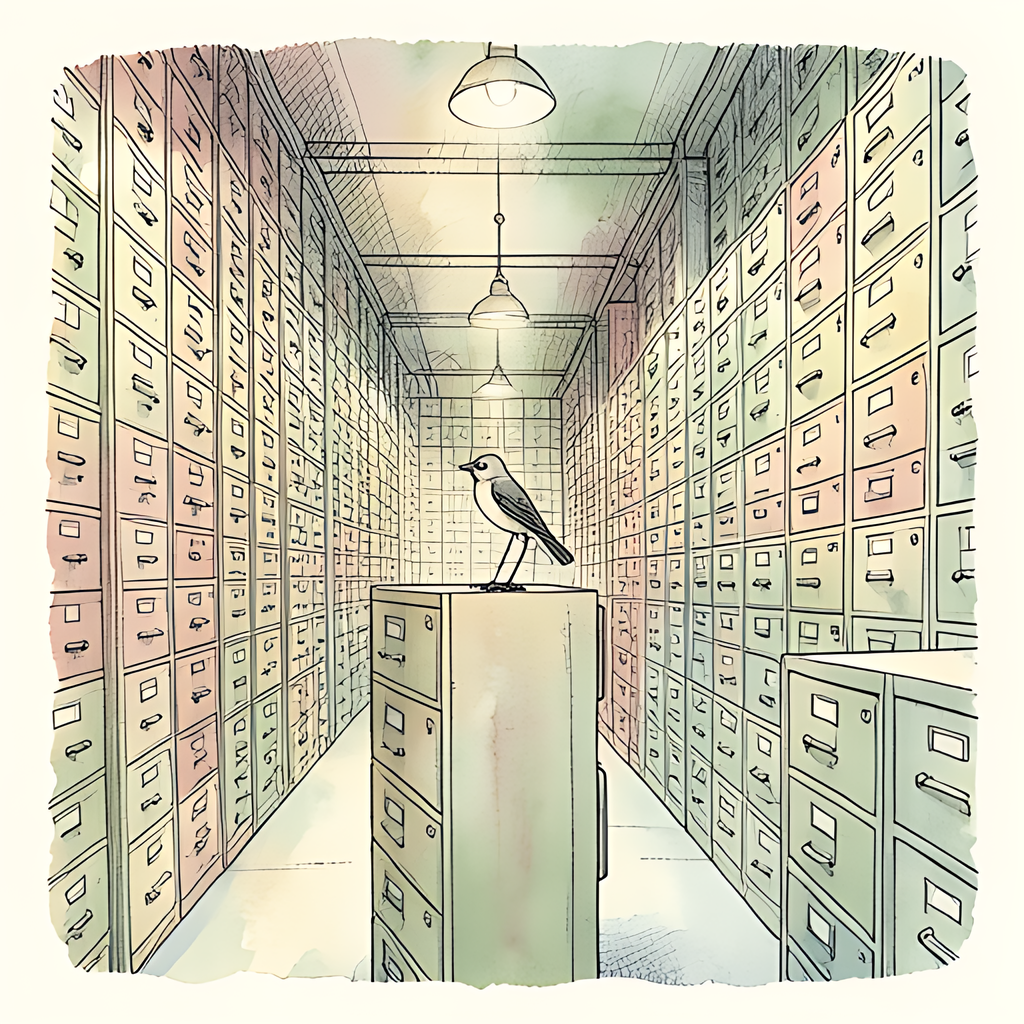
You needed to shrink a PDF. Thirty seconds later, your signed contract was enjoying an unscheduled holiday on somebody else's server. The website said "free," displayed a reassuring padlock, and promised automatic deletion. Lovely. But did that promise cover the original, the converted copy, backups, and the filename sitting in a database? Your document arrived carrying signatures, addresses, and financial details. You wanted a smaller attachment. You may have accidentally booked it a longer stay.
Free PDF Tools: The Fine Print Has Spare Keys
First, a reality check: not every uploaded PDF lives forever. Some services publish clear deletion schedules and explicitly exclude uploaded documents from backups. Others offer persistent storage. The privacy problem is that a friendly upload button rarely explains which arrangement you are entering.
Consider one online PDF provider's published policy: work without an account is deleted after about an hour, while designs associated with a free account remain until users delete them. It also distinguishes conversion files, which it says are not backed up, from database backups retained for up to 60 days. Different data, different clocks. "Deleted" needs a subject.
Terms of service traps often lurk in scope rather than cartoon villainy. A license to process your content may be necessary to deliver a conversion. Read whether that permission extends to other uses, and check whether connected features involve additional providers. Ownership and permission are different questions.
Search the privacy policy for retention, backups, subprocessors, legal obligations, and account deletion. "As long as necessary" deserves a follow-up: necessary for what? Also check whether deleting your account deletes stored files, and whether security records follow a separate schedule. Fine print is boring until it becomes your incident report.
Cloud PDF Breaches: The Monster Has Receipts
Server-side PDF processing requires remote systems to handle your document's contents. HTTPS protects the journey, but it does not prevent a compromised server, stolen credential, or access-control mistake from exposing information at the destination. The padlock protects the delivery van. It does not supervise the warehouse.
In September 2020, a cloud PDF service suffered a breach that exposed more than 70 million unique email addresses, alongside names, password hashes, and converted-document titles, according to an independent breach database. The provider's incident disclosure confirmed exposure of account information and document metadata connected with online services, including free products.
A separate cloud document-signing service disclosed a breach in April 2024 involving names, email addresses, and, for some users, hashed passwords and authentication information. People who signed documents without creating accounts were also affected. Crucially, its completed investigation found no evidence of access to document contents. That distinction matters: an account-data breach is not proof that every PDF was stolen.
Still, metadata can tell uncomfortable stories. A hypothetical filename like "Acquisition-Target-Confidential.pdf" reveals something before anyone opens page one. And deleting information from a legitimate service cannot recall copies an attacker already took. That is where the digital afterlife becomes particularly unpleasant.
Give Your PDF a Smaller Waistline, Not a Forwarding Address
For sensitive documents, choose your processing method before choosing the biggest green button. A browser-based PDF tool can perform work locally, removing the need to entrust an uploaded copy to a processing server.
- Check where processing happens. "Online" describes how you reach a tool, not whether your file leaves your device.
- Read the actual deletion policy. Look for separate treatment of originals, outputs, saved files, metadata, and backups.
- Use approved tools for work documents. Customer records, payroll, and contracts deserve more scrutiny than a restaurant menu.
- Limit what you share. Remove unnecessary pages and metadata. Use proper redaction for sensitive text; drawing a black rectangle can leave the underlying content recoverable.
No processing method fixes an already compromised device, and local processing is not a universal security guarantee. It does, however, eliminate the server upload and its associated retention question. That is one fewer privacy promise to investigate.
Next time an attachment needs slimming down, pdfb2.io offers browser-based tools for merging, splitting, and editing PDFs, including a compress tool that runs entirely on your device, with no file uploads to any server. Your PDF can lose weight without acquiring a mysterious second address.
Disclaimer: This article is for informational purposes only and does not constitute legal, professional, or compliance advice. Always consult qualified professionals for specific guidance.
Ready to Try PDFb2?
Process your PDFs privately in your browser — 2 free downloads per day, no account needed. Your files never leave your device.
Try PDF Tools Free