
The Ghost Drafts Haunting Your Final PDF: How Incremental Saves Expose Your Edits
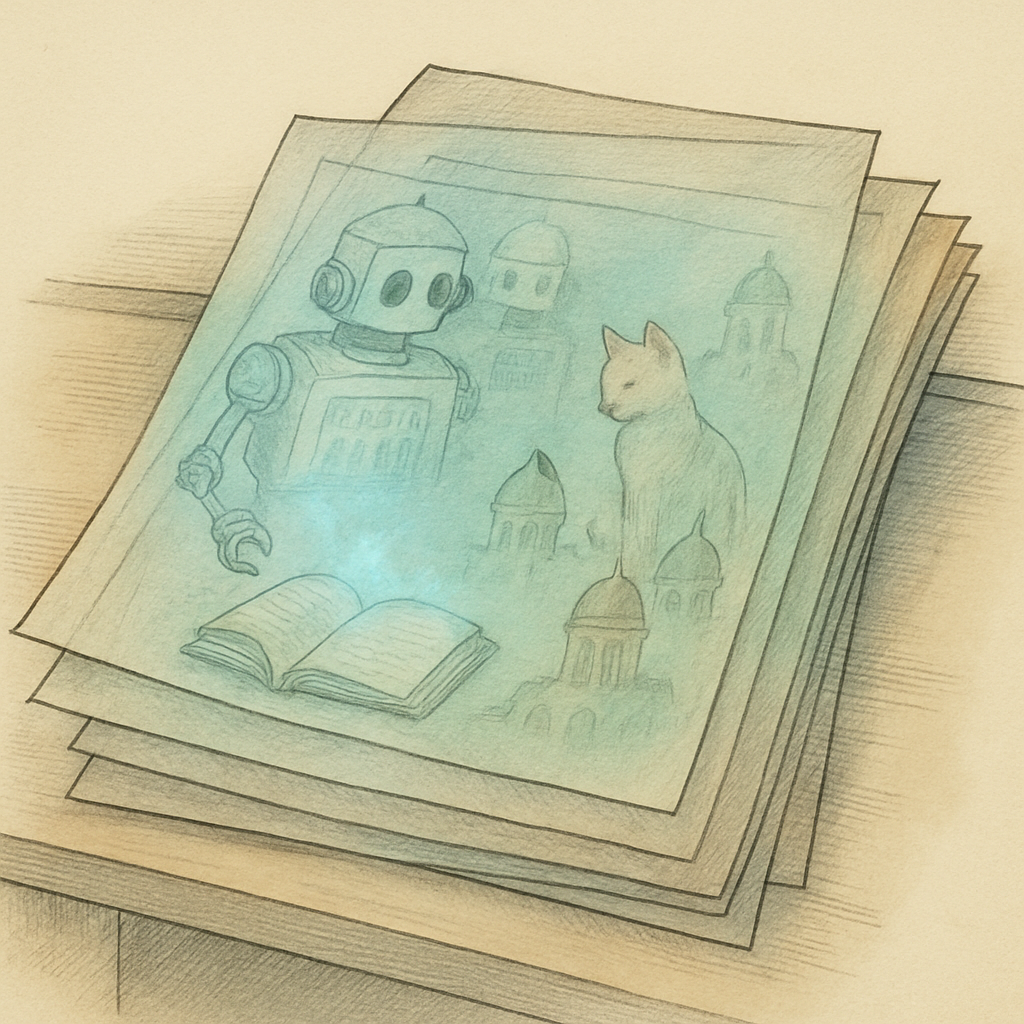
You have just spent four grueling hours polishing an executive summary. You deleted the candid internal margin notes, swapped out the panic-induced initial budget estimates for respectable numbers, clicked "Save," and fired off the document as Final_v3_REAL_FINAL.pdf. You exhale, confident that your earlier brainstorms are dead and buried. Unfortunately, inside the strange architectural catacombs of the portable document format, dead does not always mean gone. In fact, your deleted drafts might be silently lurking in the file, waiting for anyone with basic forensic curiosity to dig them up.
The Append-Only Graveyard: Why "Save" Does Not Mean "Overwrite"
To understand why ghost drafts haunt your documents, you have to appreciate how legacy document software handles basic file saving. Decades ago, when computer processors wheezed under heavy workloads and hard drives moved at a glacial pace, rewriting a 50-megabyte document from scratch just to fix a single typo was computationally wasteful. Document architects solved this bottleneck with a clever shortcut known as incremental updates.
When you click "Save" in standard desktop reader and editor applications, the software rarely rewrites the entire file. Instead, it leaves the original file structure untouched and simply appends the modifications, along with a fresh cross-reference table, directly onto the end of the byte stream. If you delete a sensitive paragraph on page three, the application does not scrub those bytes from existence. It merely writes a note at the caboose of the file saying, "Hey, please ignore object 42 from earlier."
The problem? Object 42 is still sitting right there. In an extensive security analysis examining more than 10,000 publicly available documents released by government agencies and academic institutions, forensic researchers discovered that over 19% contained orphaned object streams, discarded metadata, or recoverable incremental revisions. Anyone who opens the document with a basic text utility or a hex editor can scroll right past your polished presentation and read every single word you thought you erased.
Digital Forensics and the Peculiar Curse of Linearization
You might assume that extracting deleted content requires a degree in digital forensics and a high-priced software suite. It does not. Security professionals and inquisitive investigators routinely recover historical text by running basic command-line string extractors or using free, open-source forensic inspection tools. To a forensic parser, a PDF is not a flat digital sheet of paper - it is a structured tree of objects, dictionaries, and byte streams that can be disassembled in seconds.
This dynamic gets even more complicated when you introduce linearization, colloquially known as "Fast Web View." Linearized documents are specially structured so that web browsers can display the first page before downloading the entire file. When users incrementally edit and save a previously linearized file using certain software, the document structure can fracture into a chaotic hybrid. The file retains historical objects, old page offsets, and obsolete content streams tucked away behind updated index tables.
The consequences of these digital hauntings are not merely theoretical. In several well-documented public incidents, an international oversight body accidentally exposed unredacted confidential witness testimony, and a major aerospace contractor leaked proprietary pricing models. In both cases, the authors thought they had deleted the sensitive text before exporting. In reality, the incremental save mechanism had faithfully preserved the original draft as hidden background baggage.
Exorcising Your Files: How to Strip the Past for Good
Cosmetic edits are not security measures. Drawing a black rectangle over sensitive text does not redact it, and clicking backspace before hitting a standard save does not wipe the previous version from the disk. To permanently banish ghost drafts, your document must undergo true serialization - a complete reconstruction of its internal object tree that discards unreferenced data, consolidates redundant tables, and strips out historical save baggage.
Traditionally, solving this problem meant relying on expensive enterprise desktop suites or handing your confidential documents over to third-party cloud conversion servers. Uploading sensitive business contracts, financial statements, or legal records to a remote server just to clean up an incremental save introduces a massive privacy risk of its own.
This is where client-side, browser-based utilities offer a modern solution. You can clean and streamline your files without allowing a single byte of your data to leave your machine. For instance, using the free browser-based compress tool at pdfb2.io processes your document locally using WebAssembly. It rebuilds the object tree from the ground up, purges unreferenced draft objects and abandoned historical revisions, and optimizes the overall file structure - all while ensuring your confidential files remain completely private on your own device.
Before you attach your next "final" draft to an email, take a moment to ensure you are not accidentally sending its ancestors along for the ride. A clean document should share your message, not your editing history.
Disclaimer: This article is for informational purposes only and does not constitute legal, professional, or compliance advice. Always consult qualified professionals for specific guidance.
Ready to Try PDFb2?
Process your PDFs privately in your browser — 2 free downloads per day, no account needed. Your files never leave your device.
Try PDF Tools Free