
When PDF Redactions Fail in Court: Black Boxes That Hide Nothing
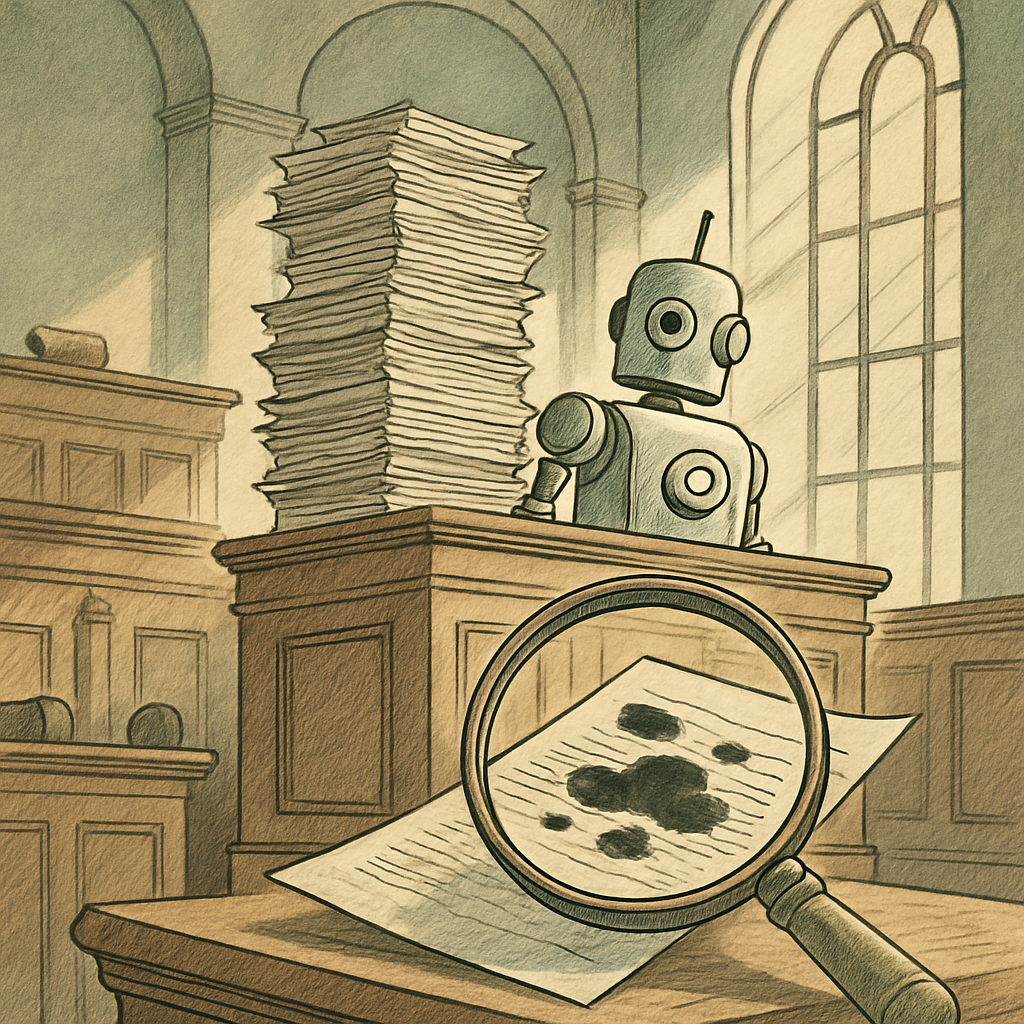
You've meticulously blacked out sensitive information in a PDF. Three thick black rectangles cover confidential data. You hit send, confident that your secrets are safe. Then a lawyer on the other side highlights the "redacted" text, copies it, and pastes it into a blank document - revealing everything underneath. Welcome to the embarrassing world of cosmetic PDF redactions, where black boxes are more theatrical prop than security measure.
The Great Redaction Illusion: Why Black Boxes Aren't Actually Redactions
Here's the uncomfortable truth that court systems have learned the hard way: not all redactions are created equal. There's a massive difference between cosmetic redaction (slapping a black box over text) and true redaction (actually removing data from the PDF).
Cosmetic redactions are essentially visual overlays. The original text remains in the PDF's underlying code, completely intact and copyable. It's like covering a secret with a piece of paper - anyone can move the paper and read what's underneath. True redaction, by contrast, permanently removes data from the file itself, making recovery impossible.
A recent analysis of court filings found that approximately 70% of redacted PDFs submitted in litigation contained at least one cosmetic redaction failure. That's not a small oversight - that's a systemic vulnerability affecting thousands of legal documents annually.
When Cosmetic Redactions Went Spectacularly Wrong
The consequences of sloppy redactions have been legendary enough to become cautionary tales in legal circles. A major government agency once submitted financial records with "redacted" information that could be revealed by selecting all text and changing the font color from black to white - making the hidden text suddenly visible. Oops.
In another memorable incident, a corporation submitted court documents with blacked-out passages that were recoverable by simply copying the text. The opposing counsel extracted roughly 40 pages of supposedly confidential information in minutes. The document was later described as having "redaction with the security of a Post-it note."
These weren't cases of sophisticated hacking. They didn't require specialized tools or technical wizardry. A simple copy-paste operation defeated the entire redaction strategy. A high school student with basic computer knowledge could have done it.
How to Redact PDFs the Right Way (Spoiler: Use Real Tools)
So what separates the pretenders from the actual redaction professionals? Real redaction tools work differently:
- Actual data removal - Text is permanently deleted from the PDF's internal structure, not just hidden visually
- Metadata stripping - Hidden information in document properties is eliminated
- No recovery possibility - Once redacted properly, information cannot be extracted through copy-paste, font manipulation, or other basic tricks
- Verification options - Quality redaction tools often allow you to verify that sensitive information is truly gone
The software matters enormously. Consumer-grade PDF editors often default to cosmetic redactions because they're faster and don't actually understand what you're trying to accomplish. Enterprise-level redaction solutions are specifically designed to remove data completely and leave an audit trail proving that removal occurred.
Courts and legal professionals have learned to distinguish between the two, and submitting a cosmetically redacted document in litigation is now recognized as either negligence or potentially contempt of court - neither of which looks good on your record.
The Takeaway: Your Black Box Might Be Transparent
If you're handling sensitive information in PDFs - whether for legal, business, or compliance purposes - assume nothing about your redaction method. Don't trust your eyes. Test your documents by trying to select and copy the "redacted" text. If it comes through, you've got a problem.
The embarrassing court failures we've discussed weren't caused by sophisticated adversaries. They were caused by people who thought a black box was enough. It never is.
Whether you're preparing legal documents, managing client information, or handling any confidential data in PDF format, proper redaction isn't optional - it's essential. And it requires actual redaction tools, not just creative use of shapes and colors.
If you need to redact PDFs securely and want to avoid becoming a cautionary tale yourself, consider using proper redaction tools that actually remove data rather than just hiding it visually. PDFb2.io offers browser-based PDF tools, including a redaction feature that runs entirely in your browser with no server uploads - giving you control over sensitive information without trusting third parties with your data.
Disclaimer: This article is for informational purposes only and does not constitute legal, professional, or compliance advice. Always consult qualified professionals for specific guidance.
Ready to Try PDFb2?
Process your PDFs privately in your browser — 2 free downloads per day, no account needed. Your files never leave your device.
Try PDF Tools Free