
PDF Password Protection: The Security Theater Everyone Believes In
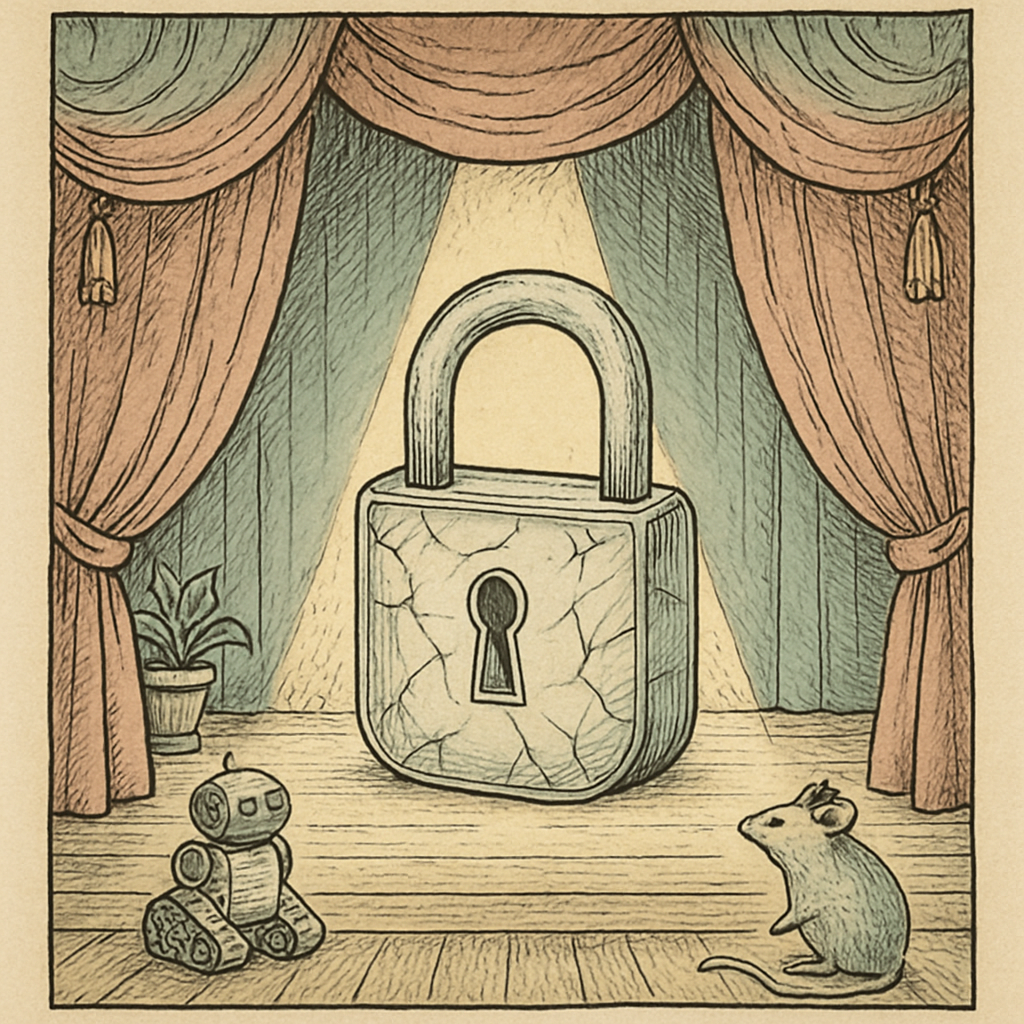
Somewhere right now, a finance team is emailing a password-protected PDF of next quarter's numbers. Two messages down in the same thread is the password. The subject line says "Confidential." Everyone feels excellent about it. This is the document security equivalent of locking your front door and taping the key to the glass, and honestly, it is not even the most broken thing about how most organizations use PDF passwords.
PDF password protection is not fake. It is just widely misunderstood. The gap between what people believe it does and what it actually does is exactly where the horror stories live, and those stories usually end with a spreadsheet of salaries circulating somewhere it should not be.
Two Passwords Walk Into a PDF, Only One of Them Is Real
Every encrypted PDF can carry two different passwords. They are not siblings. They are barely acquaintances.
- The owner password (also called the permissions password) sets the rules: no printing, no copying text, no editing, no extracting pages.
- The user password (the open password) is the one that genuinely encrypts the document. No password, no content, no argument.
Here is the part nobody enjoys hearing. When a PDF carries only an owner password, the file is technically encrypted, but it is encrypted with a blank user password. Any compliant reader can derive the decryption key without asking anyone for anything. The "no printing, no copying" flags are not a lock. They are a politely worded request written on the outside of the envelope, and the PDF specification asks viewers to honor them voluntarily. Free command-line tools remove those restrictions in about the time it takes to type the command. Not crack. Remove.
So when a document arrives stamped "secured" and then opens instantly without prompting you for anything, you are not looking at protection. You are looking at a suggestion that most software happens to be polite about.
Your Encryption May Be Older Than Your Intern
Now assume the file uses a real user password. The next question is which flavor of encryption got baked in, because PDFs have been accumulating flavors since the mid-1990s and old files never update themselves.
- 40-bit RC4 shipped with the earliest encrypted PDFs. Forty bits. For scale, a civil liberties nonprofit built a purpose-made cracking machine in 1998 that chewed through a 56-bit key in roughly two days, and a 56-bit keyspace is about 65,000 times larger than a 40-bit one. On 1998 hardware.
- 128-bit RC4 came next and sounds much better, right up until you learn that RC4 was formally prohibited in TLS in 2015 and has been considered unfit for new designs for years.
- AES-128 arrived with PDF 1.6 and is genuinely respectable.
- AES-256 with hardened key derivation is the modern standard. Notably, the first 256-bit scheme from the late 2000s shipped with key derivation weak enough that it had to be revised. Version numbers matter more than the padlock icon.
And even flawless AES-256 dies instantly to a bad password. Password recovery tools running on ordinary consumer graphics cards grind through enormous numbers of guesses per second against older PDF schemes, and breach corpora confirm year after year that the most common passwords on earth remain things like "123456" and the company name plus the current year. Your encryption is only ever as strong as the worst password someone picked at 4:55 on a Friday.
There is a final wrinkle. A 2019 academic study tested a broad set of desktop PDF viewers and found that most of them could be manipulated into leaking decrypted content through the document's own interactive features. Encryption protected the file. The viewer opened a side door.
What Actually Works, and What To Stop Doing Today
- Use a user password, always. If the recipient is not prompted to type something before the content appears, nothing is protected.
- Stop trusting permissions flags. Owner-password restrictions deter honest people and nobody else. If content must not be copied, do not put it in the document.
- Insist on AES-256. Re-encrypt legacy archives rather than assuming the old padlock still counts.
- Send the password through a different channel. A different channel means a phone call or a separate messaging app, not the next paragraph of the same email.
- Use a long passphrase. Four unrelated words beat one clever substitution-riddled word every single time.
- Redact properly before you encrypt. Encryption hides a document from outsiders. It does nothing about the sensitive text sitting under a black rectangle inside it.
Password protection is a real control. It is just not a magic one, and treating it as a force field is how confidential files end up somewhere embarrassing.
If you want to add real encryption to a document without shipping it to somebody else's server first, the PDF protect tool at pdfb2.io applies a user password entirely in your browser. The file never leaves your device, which neatly removes the irony of uploading a confidential document somewhere in order to make it confidential.
Disclaimer: This article is for informational purposes only and does not constitute legal, professional, or compliance advice. Always consult qualified professionals for specific guidance.
Ready to Try PDFb2?
Process your PDFs privately in your browser — 2 free downloads per day, no account needed. Your files never leave your device.
Try PDF Tools Free