
PDF Password Protection: The Security Theater Everyone Believes In
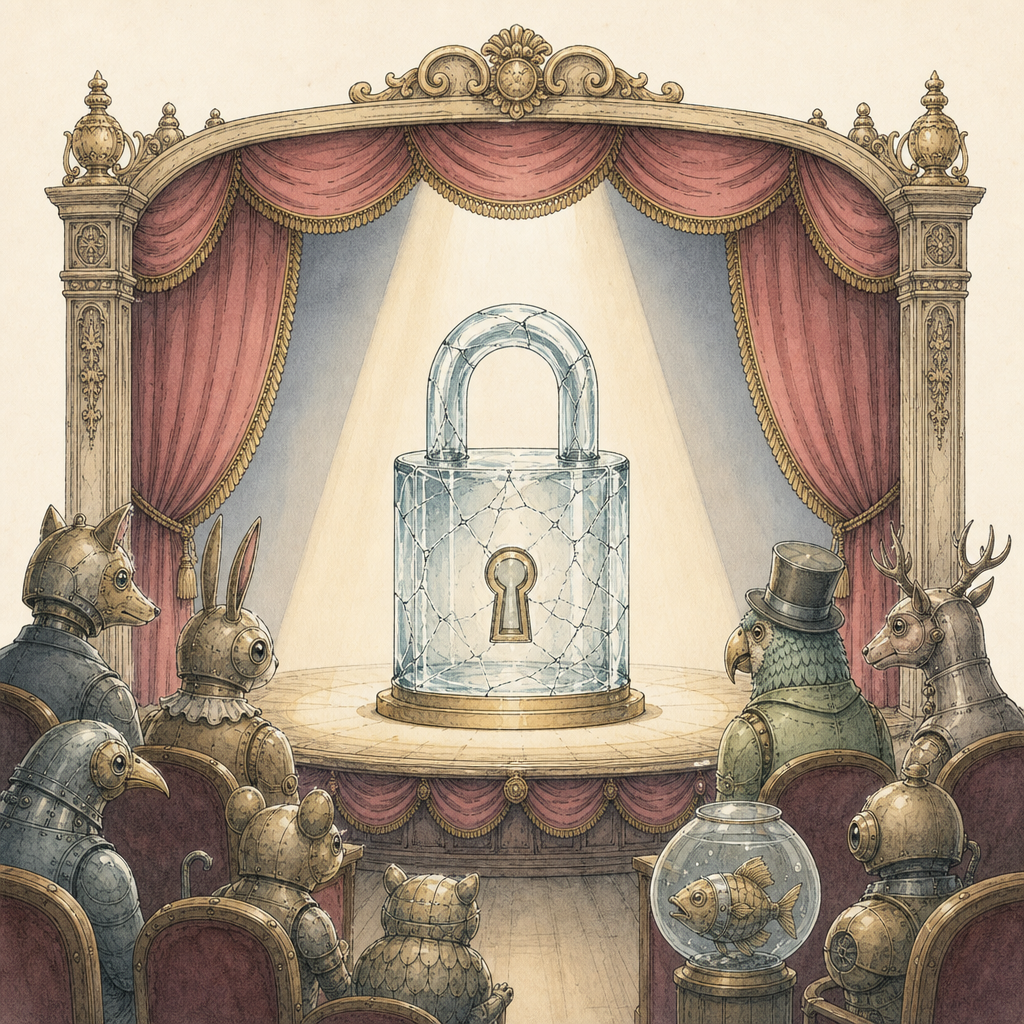
A password-protected PDF arrives in your inbox. It displays a tiny padlock, asks for a secret phrase, and generally behaves like a digital briefcase handcuffed to a stern-looking security professional. Surely the contents are safe. Unfortunately, that reassuring password box may be protecting your document with modern encryption, a flimsy permissions flag, or technology old enough to remember dial-up internet. PDF password protection is not automatically useless, but understanding what it actually does can prevent a very expensive horror story.
The Two PDF Passwords Wearing One Trench Coat
PDF files can use two very different kinds of passwords: the user password and the owner password. Software interfaces often blur the distinction, which is how security theater gets its opening night.
A user password, sometimes called an open password, encrypts the document and must be supplied before its contents can be read. With a modern encryption method and a strong, unique password, this can provide meaningful protection.
An owner password is different. It controls permissions such as printing, copying text, editing pages, or adding annotations. If the document opens without a password, its contents are already available to the reader. The restrictions depend largely on PDF software agreeing to honor them. Many tools can ignore or remove these permissions with little effort.
In other words, an owner password is closer to a polite sign saying Please do not photocopy than a locked vault. It may discourage casual misuse, but it should never be treated as a confidentiality control.
When PDF Encryption Comes Back From the Crypt
Even a genuine user password is only as strong as the encryption standard and password behind it. Older PDF files may use 40-bit RC4 encryption. A 40-bit key has roughly 1.1 trillion possible values, which sounded formidable decades ago but is no longer an impressive security boundary. Later PDFs introduced stronger options, including 128-bit encryption and modern 256-bit AES encryption.
Do not assume that a recently emailed document uses recent PDF encryption. Files are copied, converted, archived, and recycled for years. A fresh-looking contract may have inherited security settings from a template created when office monitors were shaped like furniture.
Password strength matters just as much. Because attackers can often test guesses offline, there may be no account lockout, delay, or warning email. A password such as Invoice2026 can fall quickly even when the underlying encryption is strong. By comparison, a randomly generated 16-character password selected from uppercase letters, lowercase letters, and digits has about 62^16 possible combinations. That is a radically different guessing problem.
How to Password Protect a PDF Without Fooling Yourself
Effective PDF security starts by matching the control to the risk. Before sharing sensitive information, use this checklist:
- Choose an open password. Confirm that the PDF requires a password before displaying any page. Printing and editing restrictions alone do not protect confidentiality.
- Use modern encryption. Select 256-bit AES when your PDF tool and recipients support it. Be cautious with old files whose encryption settings are unknown.
- Create a unique password. Use a password manager to generate a long, random value. Never recycle an email, device, or workplace password.
- Send the password separately. Attaching the PDF and placing its password in the same email is the digital equivalent of taping a key to the lock.
- Remove unnecessary information. Check metadata, comments, attachments, hidden form values, and unredacted text. Encryption protects what is inside the file, but it cannot make accidental disclosure wise.
- Share with the right people. Once an authorized recipient opens a PDF, they may photograph, copy, print, or otherwise preserve its contents. Encryption protects access, not future behavior.
For highly sensitive or regulated material, PDF password protection should be one layer among secure delivery, access controls, retention rules, and verified redaction. The padlock icon is comforting, but it is not a compliance department.
If you need to add real open-password protection without uploading the document to a remote server, the pdfb2.io protect tool runs entirely in your browser. Use a strong, separately shared password, then verify that the finished PDF cannot be opened without it.
Disclaimer: This article is for informational purposes only and does not constitute legal, professional, or compliance advice. Always consult qualified professionals for specific guidance.
Ready to Try PDFb2?
Process your PDFs privately in your browser — 2 free downloads per day, no account needed. Your files never leave your device.
Try PDF Tools Free