
That PDF Attachment Might Be Running Code Right Now
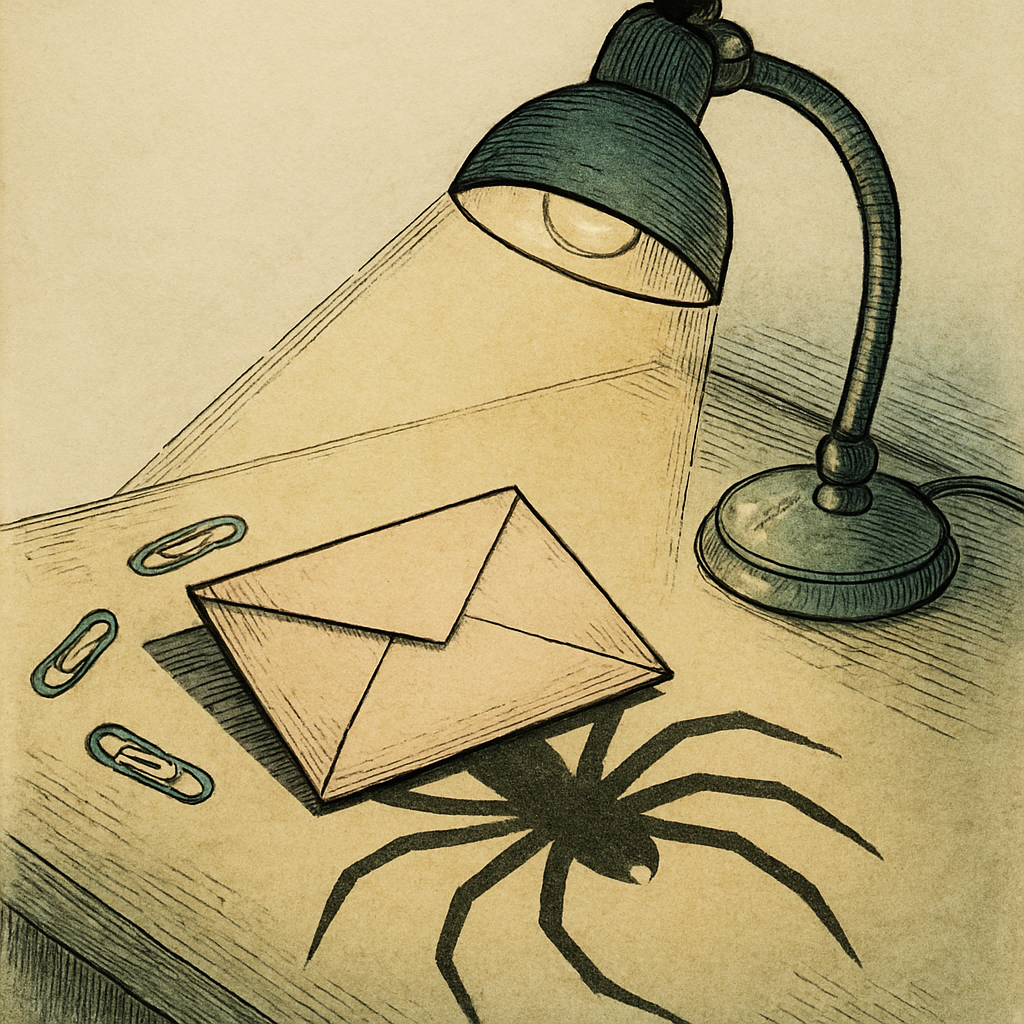
Picture this: a colleague forwards an invoice marked urgent. You open it between meetings, expecting tax tables and the usual beige sadness. Instead, the file asks to run something, visit a sign-in page, or enable an action. An unopened attachment normally does not execute merely because it landed in your inbox. But once a PDF is opened, previewed, or processed by a vulnerable system, it can be active. Embedded JavaScript, auto-open actions, hyperlinks, form logic, and launch commands can turn an ordinary attachment into an initial-access vector in business casual.
A PDF Is a Document, Until It Starts Acting Like Software
PDFs are flexible containers, not digital sheets of paper. A creator can place scripts inside a document to validate forms, calculate totals, or customize a workflow. The same machinery can be abused. An auto-open action can trigger behavior when the document opens; embedded JavaScript can interact with the viewer; a launch command can request that the device open another file or application. If a PDF reader has an unpatched flaw, simply parsing a crafted object may be enough to create trouble.
That does not mean every PDF with JavaScript is malware, nor that every prompt becomes a compromise. Modern readers often restrict active content or show warnings. Yet a prompt is still a conversation with a rushed human, and rushed humans are famously generous clickers. The dangerous combination is technical capability plus a believable story: payroll correction, shared contract, scanned voicemail, or overdue invoice.
PDF Malware Campaigns Prefer a Good Story to a Loud Explosion
Security researchers have documented invoice-themed PDF malware campaigns in which the attachment itself carries no traditional virus. Instead, a button, embedded link, or QR code directs the recipient to a counterfeit sign-in page. Stolen credentials then give criminals a foothold, sometimes followed by a remote-access tool, data theft, or ransomware. The PDF is still the initial access vector; it simply delegates the unpleasant work to a web page.
Other real campaigns have used password-protected PDF attachments, which can frustrate automated mail scanning, and decoy documents aimed at finance, recruiting, procurement, and public-sector staff. Some use opening actions or scripts to steer a victim toward a download. Others rely on an irresistibly official-looking instruction to click. The tactic evolves, but the lesson does not: an attachment can be both document and trapdoor.
A widely cited 2024 breach study found that human behavior played a role in 68% of breaches. That statistic is not about PDFs alone, but it explains why attackers keep returning to the format. No zero-day required when curiosity, routine, and an urgent subject line are available at no extra charge.
Make Suspicious PDF Attachments Boring Again
Good PDF security is less glamorous than a movie-style hack, which is exactly why it works.
- Verify the context. A surprise attachment, changed payment detail, or vague request deserves confirmation through a separately known channel.
- Treat prompts as stop signs. Do not approve requests to launch software, open external files, enter credentials, or bypass a viewer warning.
- Keep the reader current. Updates to operating systems and PDF viewers routinely close parsing and active-content weaknesses.
- Lock down active content. In managed environments, ask the security team to limit PDF JavaScript and external-launch behavior where it is not needed.
- Protect documents you send. Password protection can limit accidental access, although it does not disinfect an attachment you already distrust.
A good PDF hygiene rule is pleasingly dull: if the message applies pressure, creates mystery, or asks you to act outside the document, pause and verify. The goal is not to fear every attachment. It is to stop treating a sophisticated file format like a sheet of paper wearing a tiny digital hat.
When sharing a legitimate sensitive document, pdfb2.io offers browser-based tools such as its protect tool, which can add password protection without uploading the file to a server. It will not sanitize an untrusted attachment, but it is a practical way to reduce accidental access before you send one.
Disclaimer: This article is for informational purposes only and does not constitute legal, professional, or compliance advice. Always consult qualified professionals for specific guidance.
Ready to Try PDFb2?
Process your PDFs privately in your browser — 2 free downloads per day, no account needed. Your files never leave your device.
Try PDF Tools Free