
That PDF Attachment Might Be Running Code Right Now
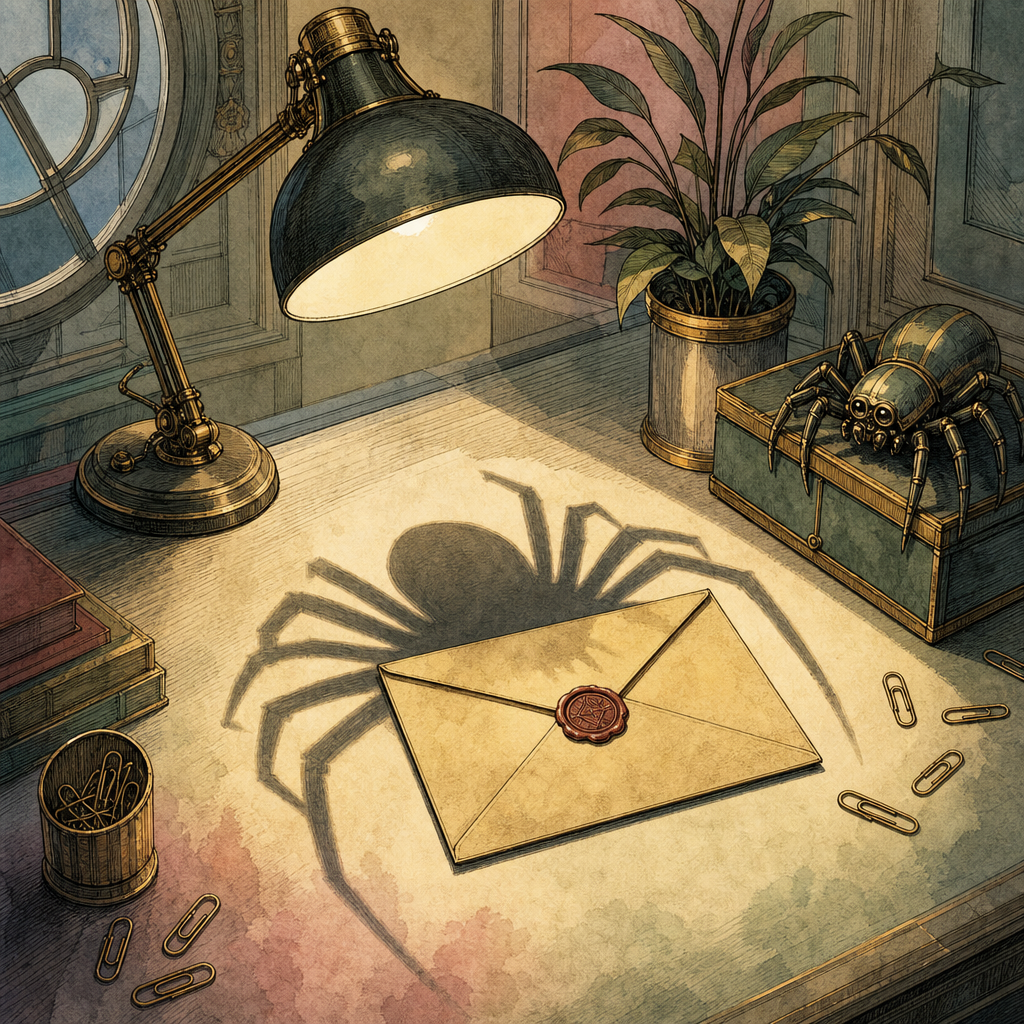
You opened a PDF because it said invoice, resume, or quarterly report, which are three of the most powerful spells in office life. The file looked harmless. It had pages. Maybe a logo. Possibly a table with the emotional warmth of cold oatmeal. But under the hood, a PDF can be more than a document. It can contain embedded JavaScript, auto-open actions, hidden links, file attachments, and instructions that try to make your computer do things you did not enthusiastically approve.
That does not mean every PDF is a digital haunted house. Most are boring in the healthiest possible way. But malicious PDF attachments remain popular because they live in the trust zone: people expect to receive them, email filters often tolerate them, and busy humans open them before coffee. Public breach research repeatedly finds that the human element is involved in roughly two-thirds of incidents, and PDF phishing works because it politely asks the human to do the dangerous part.
The PDF Format: Less Paper, More Trapdoor
A PDF is not just a picture of a page. It is a structured file format with objects, actions, scripts, forms, embedded files, and reader instructions. That flexibility is why PDFs can support fillable forms, signatures, bookmarks, buttons, multimedia, and accessibility features. It is also why attackers keep showing up with a toolbox and a suspicious grin.
One of the most abused features is embedded JavaScript in PDFs. Legitimate JavaScript can validate a form field or calculate a total. Malicious JavaScript can fingerprint the reader, trigger suspicious prompts, open a phishing page, or attempt to exploit a vulnerable PDF reader. Security researchers have documented PDFs where the script is obfuscated, split across objects, or compressed so casual inspection looks like alphabet soup with trust issues.
Then there is OpenAction, a PDF instruction that tells the reader to perform an action when the document opens. In normal use, it might jump to a page or set a view mode. In malicious use, it can automatically run JavaScript or open a URL before the victim has finished saying, “Why is this invoice 47 megabytes?” Public malware analysis has shown OpenAction entries paired with launch behavior, including examples where the document attempts to start external commands when opened. A public malware-analysis note walks through how analysts look for these entries, and another technical teardown shows an OpenAction using a launch action.
Real Campaigns, Fake Documents, Very Real Problems
PDF malware campaigns have been around for years because the playbook is simple: send a believable attachment, make the document look routine, then push the victim toward a payload, credential page, or exploit chain. Campaigns have used fake tax notices, shipping forms, purchase orders, legal complaints, shared-document alerts, and job applications. The theme changes. The psychology does not.
Some campaigns used PDFs as the first stage of initial access. The attachment did not always contain the final malware. Instead, it acted as a launchpad: open the PDF, click the “secure document” button, land on a phishing site, enter credentials, and congratulations, the attacker now has a quieter way in. This is especially useful because a PDF containing only a link may look clean to static antivirus scanning. The dangerous behavior happens after the user interacts with it.
Other campaigns relied on vulnerable readers. Public advisories over the years have described malicious PDFs exploiting memory corruption, scripting, and parsing flaws. Vulnerabilities such as CVE-2018-4990 and CVE-2020-14425 became part of real-world attack discussions because a crafted document could do more than display text. It could abuse how software interpreted the file. That is the nightmare version of “please see attached.”
Attackers also use PDF attachments because they travel well. A PDF can cross operating systems, survive forwarding, and look professional enough to lower suspicion. In phishing tests and incident reports, users are often more willing to open PDF attachments than unfamiliar executable files. Nobody expects payroll.pdf to behave like a tiny intern with root access.
How to Handle Suspicious PDF Attachments Without Becoming a Campfire Story
You do not need to swear off PDFs and communicate only through carrier stone tablet. You need habits that reduce risk:
- Pause before opening unexpected attachments. If the sender, timing, or request feels odd, verify through a separate channel.
- Keep your PDF reader and browser updated. Many malicious PDFs depend on old vulnerabilities.
- Disable automatic JavaScript execution in PDF readers where practical. Businesses should enforce this through endpoint policy when possible.
- Do not trust “click to view secure document” prompts. That is a classic credential-harvesting setup.
- Inspect links before clicking. Shortened URLs, strange domains, and urgent language are not charming personality traits.
- Use sandboxing or a secure viewer for unknown files. Opening untrusted documents on your primary machine is a bold lifestyle choice.
- Remove active content when sharing files externally. Flatten forms, strip scripts, and avoid unnecessary embedded files.
For teams, the best defense is layered: email filtering, attachment detonation, endpoint protection, user training, patching, and sensible document-handling workflows. For individuals, the golden rule is simpler: a PDF is a file, not a promise.
When you need to work with PDFs, prefer tools that do not upload private files to random servers. PDFb2.io offers free browser-based PDF tools for tasks like merging, splitting, compressing, redacting, editing metadata, and securing documents locally. If you are sharing sensitive files, the protect tool can help add password protection right in your browser, without sending the document away for a mystery tour.
Disclaimer: This article is for informational purposes only and does not constitute legal, professional, or compliance advice. Always consult qualified professionals for specific guidance.
Ready to Try PDFb2?
Process your PDFs privately in your browser — 2 free downloads per day, no account needed. Your files never leave your device.
Try PDF Tools Free