
The Paperless Office: 50 Years of Being "Almost There"
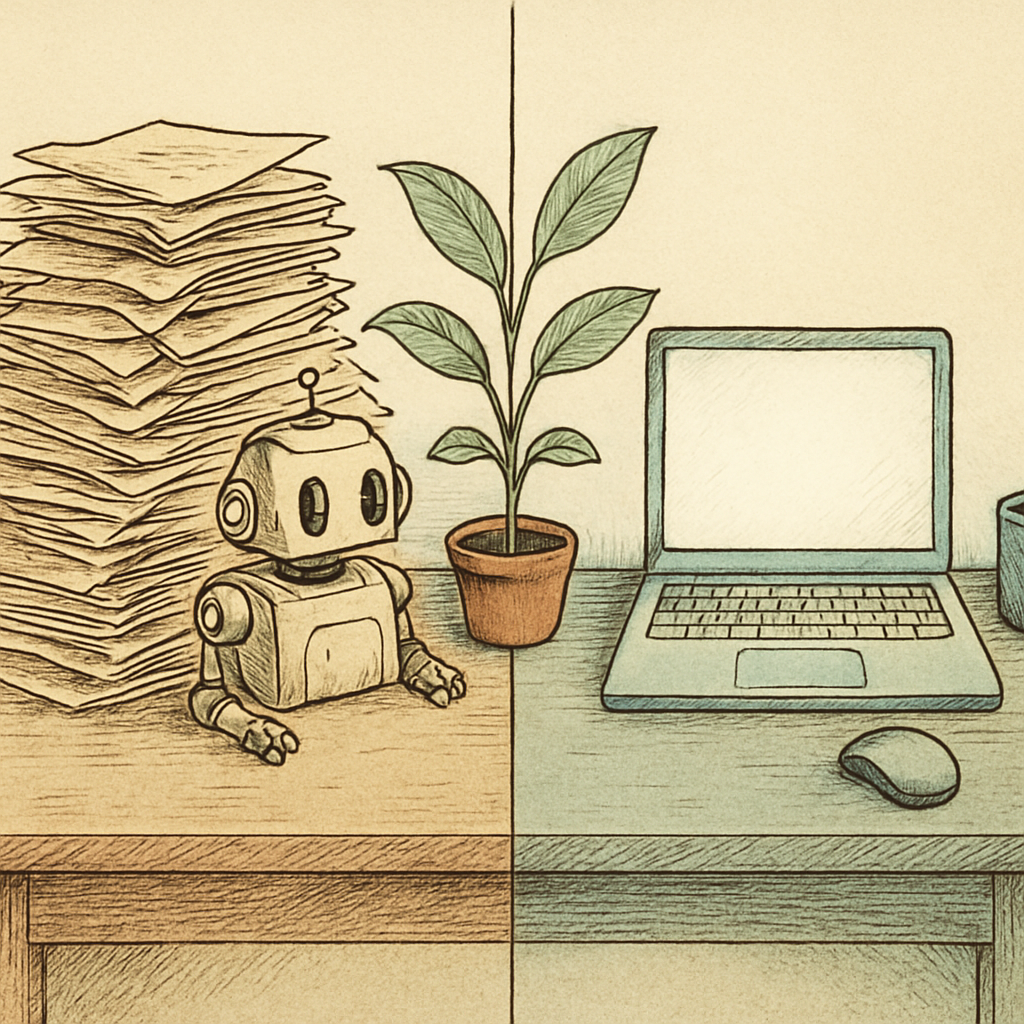
The paperless office has been arriving any minute now for roughly half a century. It was promised alongside flying cars, effortless video calls, and the idea that nobody would ever need to print an email. We did get the video calls. The email printing situation remains, shall we say, spiritually unresolved. Despite digital transformation initiatives, cloud storage, and enough workflow software to make a small moon nervous, paper still thrives in offices everywhere. The culprit is rarely a love of filing cabinets. It is the awkward space between a digital process and a human who needs to approve, sign, read, archive, or trust something.
PDFs: The Quiet Workhorse of the Paperless Office
The PDF has become the nearest thing modern work has to a universal document passport. It preserves formatting, travels well between devices, supports signatures and comments, and does not suddenly rearrange a contract because someone opened it on a different laptop. That reliability makes PDF workflow management central to any serious paperless office strategy.
PDFs bridge the gap between a document that began life as a spreadsheet, a scanned invoice, a form, or a phone photo and a record that people can reliably share. They also make digital workflows feel more official, which matters more than many transformation plans admit. A signed PDF is not inherently more meaningful than a signed sheet of paper, but it is easier to search, route, duplicate, protect, and store without feeding a hungry copier.
Still, converting every document into a PDF does not automatically create a paperless workflow. A PDF can be a polished digital record or simply a very sophisticated picture of a paper problem.
Why Printers Keep Getting Invited to Digital Transformation
Printing usually enters the process when digital work becomes inconvenient. A form is difficult to complete on a phone. A signature process requires too many logins. A scanned document is crooked, enormous, or impossible to search. Someone needs to annotate a diagram and finds a pen faster than a comment tool. Soon, the printer is humming away like the office's most dependable, least celebrated employee.
One commonly cited workplace estimate puts annual paper consumption at roughly 10,000 sheets per office worker. Even if a particular organization uses less, the pattern is familiar: paper persists because it is immediate. It needs no training session, no password reset, and no explanation of where the Save button went after the latest redesign.
Three gaps keep organizations stuck in the almost-paperless zone:
- Broken handoffs: A document moves smoothly until it reaches a customer, contractor, regulator, or department using a different system.
- Unfriendly forms: Digital forms that are hard to fill, sign, or access invite the classic workaround: print, complete, scan, repeat.
- Trust and habit: People print documents they fear losing, misunderstand, or cannot easily retrieve later. A binder may be inefficient, but it has excellent brand recognition.
Compliance and retention rules can also create confusion. Teams may print “just in case” because they do not know whether a digital copy is acceptable, how long it must be retained, or who owns the final version. In that environment, paper becomes an anxiety-reduction tool with terrible storage economics.
A Practical Route to Less Paper, Not More Meetings
The goal is not to ban printers with a dramatic memo and hope for applause. It is to remove the moments that make printing feel easier than staying digital. Start by mapping the highest-volume document journeys: invoices, approvals, onboarding packets, service reports, and internal forms. Identify exactly where each journey turns into paper and ask a plain question: what is the person trying to accomplish here that the digital workflow fails to support?
- Standardize around accessible PDFs. Use fillable, searchable, properly named PDF files that work on common devices.
- Make signing and annotation routine. Employees should know how to sign, mark up, redact, and share documents without resorting to print-and-scan rituals.
- Set clear retention rules. Define the authoritative digital copy, its storage location, access controls, and retention period with appropriate professional guidance.
- Measure print triggers, not just print volume. A falling page count is useful, but the reason pages were printed reveals the workflow fix.
- Design for the outside world. Customers and partners should be able to complete a task without specialized software or a scavenger hunt for attachments.
The paperless office may never be perfectly paperless, and that is fine. The practical target is a low-friction digital workflow where printing is a deliberate exception, not an unofficial integration layer. When you need to turn scanned pages or phone photos into a shareable document, pdfb2.io offers browser-based PDF tools, including an image-to-pdf tool, so you can create a tidy PDF without sending files to a server.
Disclaimer: This article is for informational purposes only and does not constitute legal, professional, or compliance advice. Always consult qualified professionals for specific guidance.
Ready to Try PDFb2?
Process your PDFs privately in your browser — 2 free downloads per day, no account needed. Your files never leave your device.
Try PDF Tools Free