
Your PDF Metadata Is Whispering Your Secrets to Strangers
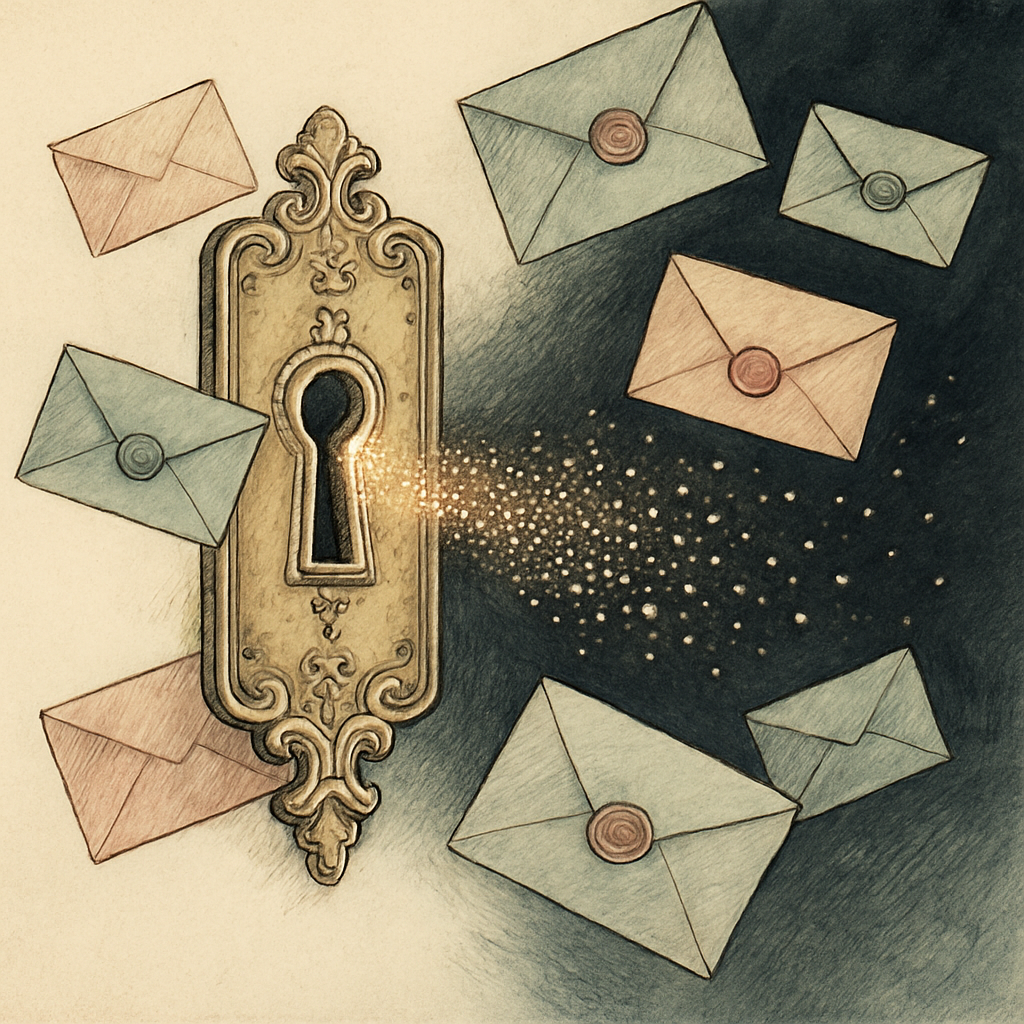
You lock the document with a password, double-check the attachments, and send your PDF into the world. Very responsible. Then its metadata strolls in behind it wearing a tiny name tag that says, “Hello, I was created by the finance director at 2:14 a.m. using internal software.” PDF metadata is the chatty sidekick nobody invited. It can reveal authorship, creation dates, editing history, software, and even location data tucked inside embedded images. For individuals, that can mean a privacy headache. For businesses, it can become a corporate espionage appetizer.
Your PDF Metadata Has Opinions, and It Shares Them
Metadata is information about information. A PDF's visible text may be polished, redacted, or carefully anonymous, while its hidden properties cheerfully preserve details the sender never meant to disclose. Common fields include the author, title, subject, keywords, creator application, PDF producer, creation time, and modification time.
That seemingly boring list can paint a surprisingly detailed picture. An author field may identify an employee or department. Creation software can reveal internal workflows, operating systems, or specialized tools. Timestamps can show when a proposal was drafted, revised, or rushed out the door. Even a generic filename paired with these clues can help an outsider connect dots that were supposed to remain scattered.
A widely cited 2024 industry breach report found that human involvement played a role in 68% of breaches. Metadata mishaps belong in that uncomfortable category: no dramatic firewall failure required, just a document sent without checking its hidden pockets.
Corporate Espionage Loves a Free Breadcrumb Trail
Imagine a company circulating a public version of a strategic report. The visible content is harmless. But the metadata identifies the original author as someone in a sensitive division, lists a niche publishing tool, and shows late-night edits in the days before an acquisition announcement. None of those facts alone is a smoking gun. Together, they can become a useful briefing note for competitors, scammers, journalists, or social engineers.
PDF metadata can also expose internal project names, draft labels, printer paths, and document subjects that did not make the final page. A malicious actor may use this context to craft a convincing phishing email: “Following up on the revised Project Lantern budget PDF...” Suddenly, the recipient sees a familiar detail and lowers their guard. That is not movie-villain magic. It is ordinary reconnaissance made easier by an overly talkative file.
For regulated teams, metadata exposure can create additional trouble. Client names, case references, employee identifiers, and document timelines may complicate confidentiality obligations even when the PDF itself appears properly sanitized. Redaction removes visible content, but it does not automatically guarantee that document properties, embedded files, comments, or image metadata have disappeared.
GPS Coordinates: The Tiny Map Pin with Big Consequences
Embedded images deserve special suspicion. A photo taken on a phone may carry EXIF metadata, including the device model, capture date, and GPS coordinates if location services were enabled. When that image is placed into a PDF, those details can sometimes travel with it. A harmless-looking property inspection, incident report, travel receipt, or social document can therefore become an accidental location beacon.
GPS precision varies by device and settings, but modern phone location data can often identify a place within a few meters. That is more than enough to reveal a home, office, restricted site, or routine travel pattern. Before sharing PDFs externally, especially those containing photos, treat every embedded image as a potential gossip columnist with access to your calendar and street address.
Make Your PDFs Better at Keeping Secrets
The remedy is refreshingly unglamorous: inspect metadata before sharing, then remove or replace anything unnecessary. Build the check into your final-review process for contracts, reports, resumes, legal documents, investor materials, and image-heavy PDFs.
- Review author, title, subject, keywords, software, and timestamp fields.
- Check embedded images for location and camera metadata.
- Remove comments, hidden layers, attachments, and revision artifacts where appropriate.
- Use clear internal handling rules for confidential and external-facing documents.
- Test the final PDF, not just the source file, before distributing it.
Privacy is rarely lost in one spectacular blunder. More often, it leaks out through a dozen small details that seemed too dull to matter. Give your PDFs a quick interrogation before they leave the building. pdfb2.io offers browser-based PDF tools, including a metadata tool, to inspect and edit document properties without uploading your files to a server.
Disclaimer: This article is for informational purposes only and does not constitute legal, professional, or compliance advice. Always consult qualified professionals for specific guidance.
Ready to Try PDFb2?
Process your PDFs privately in your browser — 2 free downloads per day, no account needed. Your files never leave your device.
Try PDF Tools Free