
Your PDF Metadata Is Whispering Your Secrets to Strangers
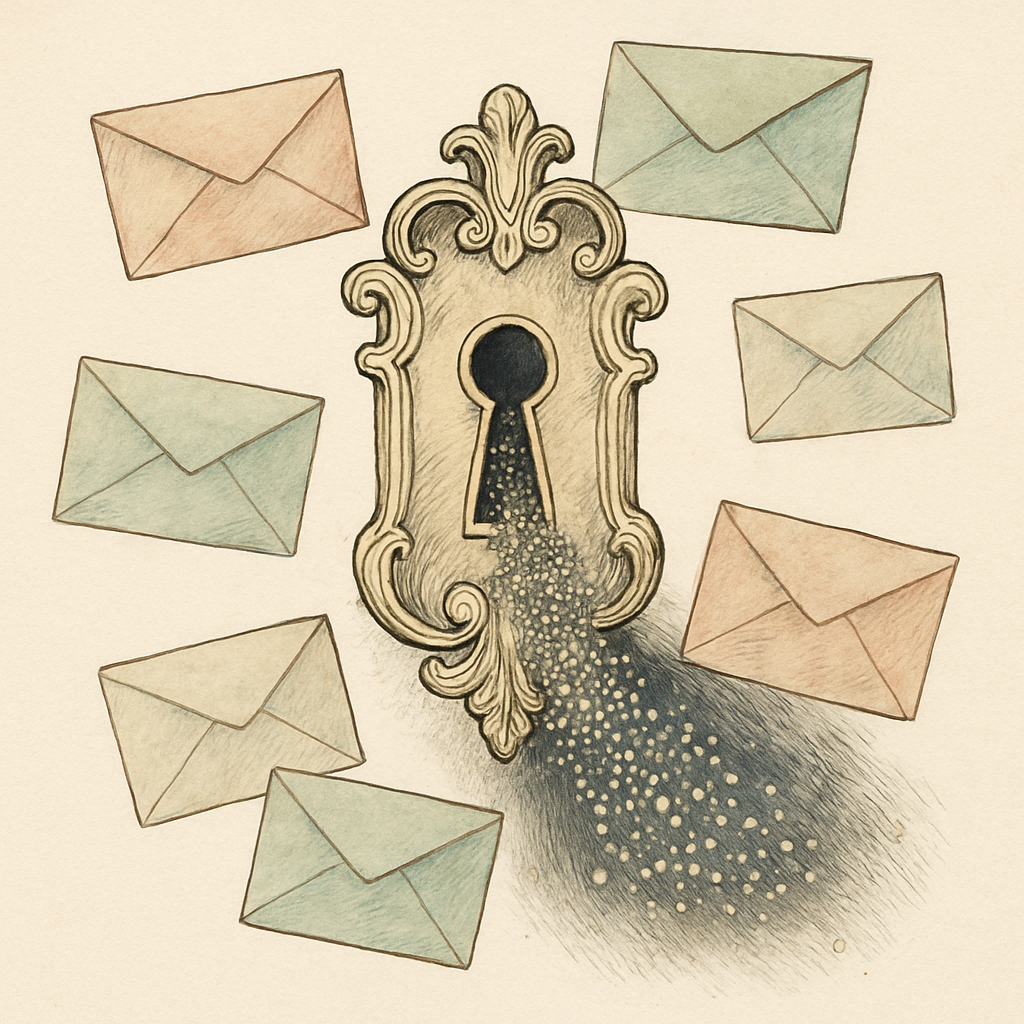
You hit send on that PDF and felt pretty good about yourself. The document was password-protected, after all. What you didn't realize is that you just broadcast your full name, the software you use, the exact time you created the file, and potentially the GPS coordinates of where you were sitting when you made it. To a stranger on the internet. Who now knows far more about you than you'd ever want them to know. Welcome to the silent nightmare of PDF metadata - the digital equivalent of leaving a detailed diary entry in every document you share.
The Invisible Tattoo: What Your PDFs Are Really Telling the World
Metadata is the information about your information. It's the behind-the-scenes data that most people never see but that your PDF carries around like an unwanted hitchhiker. Every PDF file you create is essentially a Chatty Cathy, broadcasting details that seemed completely innocent at the time.
Let's talk specifics. Your PDF metadata typically includes:
- Author name and company - revealing your identity and employer
- Creation software - showing what tools you use (which could indicate your tech stack or budget)
- Timestamps - documenting exactly when you created or modified the document
- Revision history - exposing how many times you changed things (and potentially what changed)
- GPS coordinates - if the PDF contains images from your phone, you're broadcasting your physical location
- Printer information - identifying which device output the file
Now imagine a competitor, a bad actor, or someone with less-than-noble intentions receiving your document. They download a free metadata reader - takes about 30 seconds - and suddenly they know more about your business operations than you'd ever volunteer in conversation. They know what software you're running. They know your team members' names. They know your workflow timeline. They know where you were.
Studies suggest that over 80% of organizations have experienced information leakage through metadata, and many didn't even realize it was happening. It's the perfect crime of accidental disclosure.
Corporate Espionage's Secret Weapon: The PDF You Thought Was Safe
Here's where things get genuinely unsettling. Major corporations have entire departments dedicated to competitive intelligence. And you know what one of their favorite reconnaissance tools is? PDFs that employees casually share. A seemingly innocuous white paper. A presentation. A contract draft.
An employee at a major tech company once accidentally leaked detailed product roadmap information through metadata in a quarterly report. The author name, creation timestamps, and revision history told a complete story about development timelines that should have been confidential. The competitor didn't even need to read the actual document content - the metadata did all the talking.
Government agencies and law enforcement also understand this vulnerability. They've used metadata extraction from leaked documents to identify sources, trace communications, and build cases. If your PDF can tell that story to them, imagine what it's telling to less principled actors.
The scary part? You probably have no idea which documents you've shared publicly or which ones have fallen into the wrong hands. Once it's out there, you can't call it back.
The Fix: Metadata Privacy Doesn't Have to Be Complicated
The good news is that removing metadata is straightforward - and it should never require uploading your sensitive documents to someone else's server.
Before sharing any PDF externally, especially anything that touches business operations, finances, or strategy, take five minutes to strip the metadata. Look for documents that:
- Contain your personal or corporate information
- Have revision histories you'd rather keep private
- Include embedded images from your phone or camera
- Are copies of official documents with author trails
The healthiest approach uses tools that work entirely on your device, in your browser, with zero uploads to external servers. Your documents stay in your control the entire time. You edit the metadata right there on your computer, see exactly what's being removed, and then share with confidence.
Make metadata stripping part of your pre-sharing checklist. It takes less time than writing the email.
If you haven't audited your PDFs lately, now's the time. pdfb2.io offers a metadata editor tool that works directly in your browser - no server uploads, no accounts, no tracking. Check what's actually in your documents. You might be surprised what's whispering along behind the scenes.
Disclaimer: This article is for informational purposes only and does not constitute legal, professional, or compliance advice. Always consult qualified professionals for specific guidance.
Ready to Try PDFb2?
Process your PDFs privately in your browser — 2 free downloads per day, no account needed. Your files never leave your device.
Try PDF Tools Free