
Healthcare Digitization: When Your Medical Records PDF Is More Fragile Than You
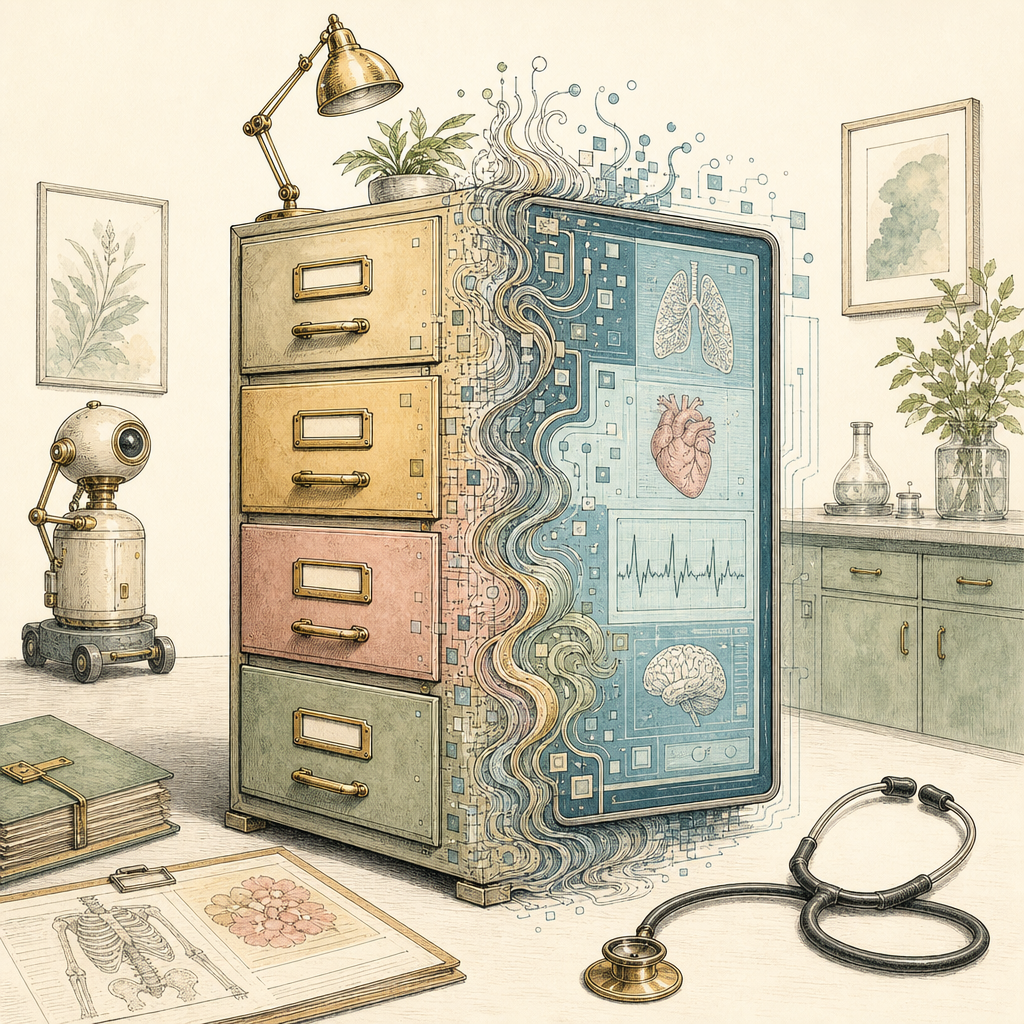
Your medical record PDF may contain your allergies, lab results, imaging notes, discharge instructions, and one very mysterious checkbox from 2014. It may also be a crooked scan of a fax of a printout of a portal export, saved at the resolution of a potato. Healthcare digitization promised clean, searchable, interoperable records. What many patients and providers got instead was a digital filing cabinet full of PDFs that look official, behave inconsistently, and occasionally turn the word ileum into ilium, which is not a charming typo when anatomy is involved.
The Scan Is Not the Record
PDFs became the duct tape of healthcare digitization because they are portable, familiar, and easy to exchange. A clinic can scan a consent form, a hospital can export a discharge packet, and a specialist can attach lab results without needing every system to speak the same language. That flexibility is useful. It is also where the trouble starts.
Healthcare documents are often digitized from paper forms, handwritten notes, faxed referrals, and legacy printouts. A 200 DPI scan may be readable to a human, but it can be unreliable for optical character recognition. Skewed pages, shadows, stamps, low contrast, hole punches, and folded corners can all turn a medical records PDF into a searchable document that only searches sometimes. In one document management benchmark, OCR accuracy can fall below 90 percent when image quality is poor, and that remaining 10 percent is exactly where medication names, dosage units, and dates like to hide.
For medical records security and patient safety, image quality is not cosmetic. A blurry vaccine lot number, cropped signature, or compressed pathology report can create delays, duplicate testing, or manual re-entry. The PDF may be digital, but if the underlying scan is weak, the record is still fragile.
OCR: Where Medical Terminology Goes to Do Improv
OCR is impressive until it meets healthcare vocabulary. General-purpose recognition systems are usually trained on common words, clean fonts, and predictable layouts. Medical records contain abbreviations, Latin-ish terminology, drug names, units, scribbles, tables, checkboxes, and lab values that look like algebra after a long shift.
That matters because small OCR errors can change meaning. 0.5 mg and 5 mg are not close cousins. hyper and hypo are not interchangeable vibes. A problem list, medication history, or radiology impression can become dangerous if extracted text is trusted without review.
The challenge gets worse when PDFs move between electronic health record systems, billing systems, patient portals, insurance workflows, and archival platforms. One system may treat a PDF as an image. Another may extract text. Another may flatten annotations. Another may remove metadata. According to broad industry estimates, a large share of healthcare data remains unstructured, often cited around 80 percent, and PDF documents are a major reason. They preserve the look of a record, but not always the meaning.
Interoperability in healthcare depends on structured data: names, dates, diagnoses, codes, medications, and results that systems can interpret reliably. A PDF can carry that information, but it does not guarantee that receiving software can understand it. The result is a familiar healthcare ritual: a patient fills out the same medical history again, while a perfectly good PDF sits nearby like a locked treasure chest.
Archiving Medical PDFs Without Building a Time Bomb
Healthcare records have long lives. Depending on jurisdiction and record type, retention periods can stretch from several years to decades. Pediatric records, imaging, consent documents, and billing records may need to remain readable long after the software that created them has retired to a quiet farm upstate.
Long-term archival raises practical questions. Is the PDF version suitable for preservation? Are fonts embedded? Are pages searchable? Is the file encrypted in a way future authorized users can still access? Has metadata been cleaned of unnecessary personal details? Is the file small enough to store and transmit efficiently without turning clinical text into confetti?
Security adds another layer. Medical records contain some of the most sensitive personal data people have. A single PDF can include identifiers, diagnoses, payment information, family history, signatures, and handwritten notes. In the United States, healthcare data breaches reported to a federal agency regularly affect tens of millions of people per year. That does not mean every PDF is a breach waiting to happen, but it does mean every unnecessary upload, email attachment, and shared drive copy deserves scrutiny.
For patients, clinics, and administrators, the goal is not to worship the PDF. The goal is to make it less brittle. A practical healthcare digitization checklist looks like this:
- Scan clearly: Use adequate resolution, good contrast, straight pages, and avoid over-compression for clinical documents.
- Verify OCR: Search for critical terms, medication names, dates, and patient identifiers before relying on extracted text.
- Preserve context: Keep page order, signatures, annotations, and supporting attachments together when converting or combining files.
- Minimize exposure: Avoid uploading sensitive medical records to tools unless there is a clear, compliant reason and a trusted workflow.
- Clean metadata: Remove unnecessary author names, device details, and hidden information before sharing outside a care team.
- Plan for access: Store archival PDFs in formats and locations that authorized users can open years from now.
PDFs are not the villain of healthcare digitization. They are more like the hospital clipboard: useful, everywhere, and capable of causing confusion when treated as smarter than they are. Better scans, careful OCR review, sane metadata practices, and privacy-aware workflows can turn a fragile medical records PDF into something far more dependable.
If you need to organize scanned healthcare paperwork, convert images into a cleaner PDF, or prepare documents without sending them to a server, pdfb2.io offers free browser-based PDF tools that run locally in your browser, including an image-to-pdf tool that is especially handy for turning photographed records into a single file.
Disclaimer: This article is for informational purposes only and does not constitute legal, professional, or compliance advice. Always consult qualified professionals for specific guidance.
Ready to Try PDFb2?
Process your PDFs privately in your browser — 2 free downloads per day, no account needed. Your files never leave your device.
Try PDF Tools Free