
The Font Inside Your PDF Could Be a Trojan Horse
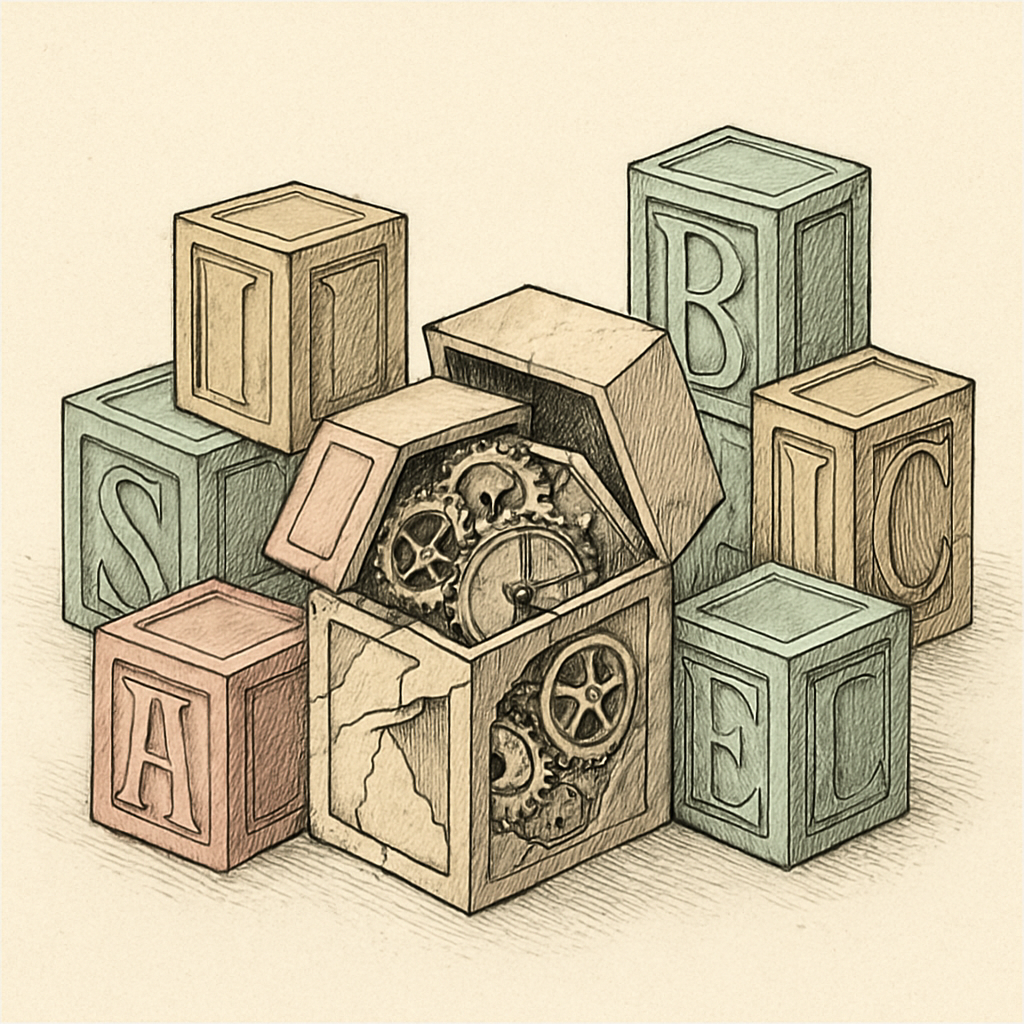
Your PDF looks innocent enough - crisp text, clean formatting, maybe some charts. But nestled inside that seemingly harmless document could be a malicious font file waiting to exploit your system. Yes, you read that correctly. A font - those stylish little character sets we barely think about - has become a genuine security threat. Welcome to the bizarre world of PDF font vulnerabilities, where typography meets cybercrime.
When Typefaces Turn Treacherous: The Font Exploit Problem
For years, security researchers have uncovered a peculiar vulnerability: malformed embedded fonts in PDFs can be weaponized to compromise systems. The issue stems from how PDF readers parse and render fonts. When a PDF contains an embedded font, the reader's font parsing engine processes it - and if that engine has vulnerabilities, attackers can exploit them.
A major tech company's PDF reader has patched dozens of font-related security flaws over the past decade. Another government agency discovered that over 40% of sophisticated PDF-based attacks involved malicious font embedding. The numbers tell a troubling story: fonts represent a surprisingly effective attack vector because they're overlooked. Users don't think about fonts as security risks. They think about fonts as... well, fonts.
Here's how it works: An attacker crafts a PDF with a deliberately malformed font file embedded inside. The font might have corrupted headers, oversized character tables, or malicious code disguised as font data. When the victim opens the PDF, the reader attempts to parse this toxic font, triggering a memory corruption exploit. Before you can say "Comic Sans disaster," the attacker gains code execution on your machine.
Font Subsetting: A Feature That Became a Flaw
Font subsetting is a clever optimization technique - it includes only the characters actually used in a document, reducing file size significantly. A PDF using only English letters doesn't need to embed fonts for 10,000 Chinese characters. Brilliant engineering, right?
Wrong. Or rather, brilliant until malicious actors started abusing it.
Font subsetting creates an interesting attack surface. When attackers subset fonts, they can:
- Hide malicious code in character definitions that technically don't exist
- Create confused parsing states where the font engine misinterprets data structures
- Exploit the subsetting algorithm itself to trigger integer overflows
- Embed metadata designed to confuse font parsing validation checks
The irony is delicious: a feature designed to make PDFs smaller and safer became a tool for making them smaller and deadlier. Attackers especially love exploiting font subsetting because many security tools focus on the final rendered content, not the underlying font machinery.
Why Your PDF Reader Is Basically a Codebreaker's Playground
PDF readers are incredibly complex software. They need to handle:
- Multiple font formats (Type 1, TrueType, CFF, OpenType)
- Font compression algorithms
- Character encoding transformations
- Embedded licensing information
- Backwards compatibility with PDFs from the 1990s
This complexity equals attack surface. Each feature is a potential vulnerability waiting to be discovered. And here's the unsettling part: your PDF reader processes fonts whether you know it or not. You don't opt-in to font rendering. It just happens, automatically, every single time you open a suspicious file.
The real nightmare scenario? A PDF that looks completely normal to you but contains a weaponized font that exploits a zero-day vulnerability in your specific PDF reader version. It's the digital equivalent of a Trojan horse - except the horse is a decorative serif font.
Protecting Yourself Without Living in Fear
So what can you actually do? First, keep your PDF software updated obsessively. Zero-day exploits are rare; most font vulnerabilities have patches available. Second, be skeptical of PDFs from untrusted sources - treat them like you'd treat a USB drive found in a parking lot.
Third - and this is important - consider processing PDFs with tools that don't rely on complex font parsing engines. Browser-based PDF tools, for instance, handle files client-side without the overhead of traditional PDF readers. If you need to compress a PDF before sharing it, a web-based compression tool can reduce file size (and potentially strip problematic embedded fonts) without uploading anything to external servers.
The font security problem won't disappear anytime soon. But understanding it means you're already ahead of the average user who thinks PDFs are just "those static documents." They're not. They're complicated, interactive, and absolutely capable of harboring malicious code dressed up in nice typography.
For safer PDF handling, try using pdfb2.io's free browser-based tools - they process your files entirely in your browser, eliminating the need to trust complex font parsing engines with sensitive documents. Their compress tool is particularly useful for reducing file size and stripping unnecessary embedded content before sharing PDFs with others.
Disclaimer: This article is for informational purposes only and does not constitute legal, professional, or compliance advice. Always consult qualified professionals for specific guidance.
Ready to Try PDFb2?
Process your PDFs privately in your browser — 2 free downloads per day, no account needed. Your files never leave your device.
Try PDF Tools Free