
How Copy-Paste Exposed a Tech Giant's Internal Strategy
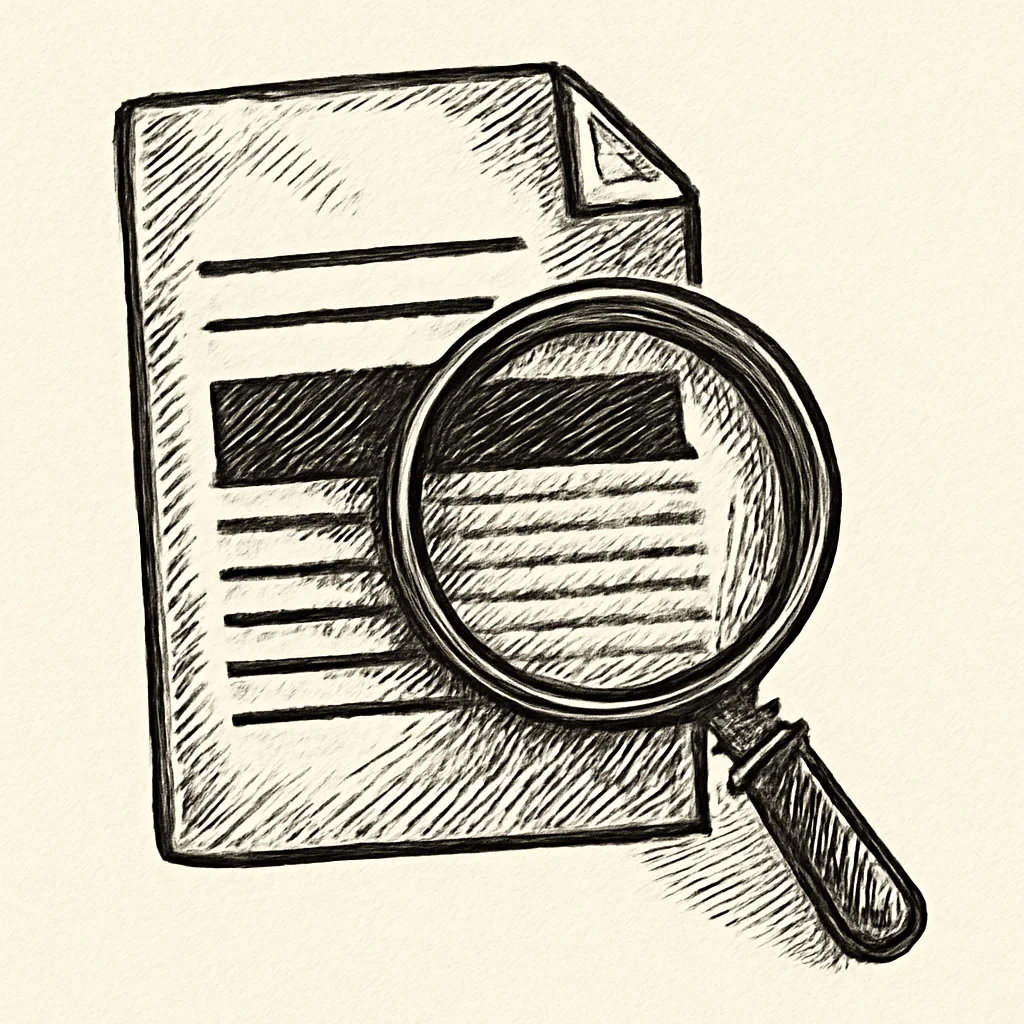
A trillion-dollar social media company employed thousands of engineers and maintained one of the largest data platforms ever built — yet its legal strategy began unraveling because someone on the legal team did not understand how PDFs work. Specifically, they did not understand that drawing a black rectangle over text in a PDF does nothing to remove the text underneath it. The mistake handed reporters, and eventually legislators, access to internal communications the company had fought to keep sealed.
The Lawsuit Nobody Was Supposed to Read
In 2018, a small app developer was suing a major social media platform in a California court. The developer had built a niche photo-search app that relied on the platform's API. When the platform restricted third-party access to user data in 2015, the app ceased to function. The developer sued, alleging the platform had deliberately used its data-sharing policies to disadvantage smaller companies while granting preferential access to strategic partners.
During discovery, the plaintiff obtained thousands of pages of internal company communications — internal emails, strategy memos, and executive discussions about how the platform should monetize its user data. Many of these documents were filed under seal. The ones that were filed publicly were "redacted."
The quotation marks around "redacted" are doing a lot of heavy lifting in that sentence.
Control-C, Control-V, Control-Disaster
Reporters at several news outlets noticed something curious about the redacted court filings: the black bars looked a little too uniform. So they did what anyone with a PDF reader could do. They selected the text behind the black bars. They pressed Ctrl+C. They opened a text editor. They pressed Ctrl+V.
And out came the secrets.
The "redacted" text was fully intact. The black boxes were visual overlays — PDF annotations drawn on top of the text, like taping a piece of black paper over a printed page. The text data was still there in the file, selectable, copyable, and searchable. No special tools were needed. No hacking. Just Ctrl+C.
What the Black Bars Were Hiding
The revealed text exposed internal discussions about charging companies for access to user data — a prospect that contradicted the platform's public insistence that user data was never "sold." The documents indicated the company had explored requiring developers to spend approximately $250,000 per year on advertising or data access fees to maintain API access to user information like friend lists, photos, and events.
Other revealed passages showed executives discussing which companies should receive preferential data access and which should be cut off. The internal communications depicted a company that treated user data as a strategic asset to be traded, withheld, or monetized depending on the business relationship — while publicly stating the opposite.
The company later argued these discussions were hypothetical and that a pay-for-data model was never implemented. In practice, the distinction mattered less than the optics: the documents had leaked because a legal team could not operate a PDF tool correctly, and the resulting coverage left little room for nuance.
The Fallout
The leaked documents did not stay in tech journalism circles for long. A member of the UK Parliament seized the case documents during a London business trip by the plaintiff's founder, using a rare parliamentary power to compel their release. The documents were then published, giving the international press a field day.
The documents fueled Congressional hearings and informed a regulatory investigation that ultimately resulted in a $5 billion fine — the largest privacy penalty in history at the time. They became a central exhibit in the broader public reckoning about Big Tech and user privacy. The trigger for all of it was a rectangle tool used in place of an actual redaction tool.
A company valued in the hundreds of billions, with an army of lawyers and compliance officers, had its internal strategy exposed by a PDF feature that has been understood — and misunderstood — for decades.
Why This Keeps Happening
This company's legal team was not the first to make this mistake, and it will not be the last. Legal teams in high-profile federal investigations have done it. Government agencies have leaked sensitive security procedures the same way. Courts have done it. The error keeps recurring because PDF redaction is genuinely counterintuitive.
When you draw a black box in a PDF, it looks redacted. When you print it out, the text is invisible. When you view it on screen, all you see is a black rectangle. Every visual signal tells you the job is done. But PDFs are not pieces of paper. A PDF is a structured data file. The text exists as data in a content stream, completely independent of whatever visual elements you layer on top of it. An annotation — which is what most "draw rectangle" tools create — is just an instruction that says "render a black box at these coordinates." The text data underneath does not know or care that it has been covered up.
What Went Wrong (Technically)
- Black rectangles were added as PDF annotations (visual overlays only)
- The underlying text data remained in the PDF content stream
- Text was fully selectable, copyable, and searchable behind the boxes
- No specialized tools were needed to extract the hidden text
What Actual Redaction Looks Like
Proper PDF redaction does not draw over text. It destroys the text. The characters are removed from the content stream, the associated metadata is stripped, and a new PDF is generated without any trace of the original data. You cannot copy what no longer exists. You cannot search for text that has been deleted from the file.
PDFb2's Redact tool performs this kind of true, permanent redaction. You mark the areas you want removed, and the tool rebuilds the PDF without the underlying text data. The redacted content is irretrievably gone — not hidden behind a box, not changed to white text, not covered with an annotation. Gone.
PDFb2 also processes files entirely in the browser, so the unredacted version of a document never leaves the device. Given that the entire point of redaction is to prevent sensitive data from reaching the wrong hands, local processing avoids the irony of uploading an unredacted file to a cloud server in order to redact it.
The Lesson
This case is a study in how a small technical mistake can have enormous real-world consequences. The information behind those black bars was the kind of material that fuels antitrust investigations, Congressional hearings, and billion-dollar regulatory actions — and it was exposed by the digital equivalent of peeling a sticky note off a page. For any organization that handles sensitive documents, the difference between hiding text and destroying it is worth understanding clearly.
Redact PDFs the Right Way
PDFb2's redaction tool permanently destroys sensitive text data. No black-box overlays, no cloud uploads. True redaction, entirely in your browser.
Redact PDF Now