
The GPS Coordinates Hiding in Your PDF Images
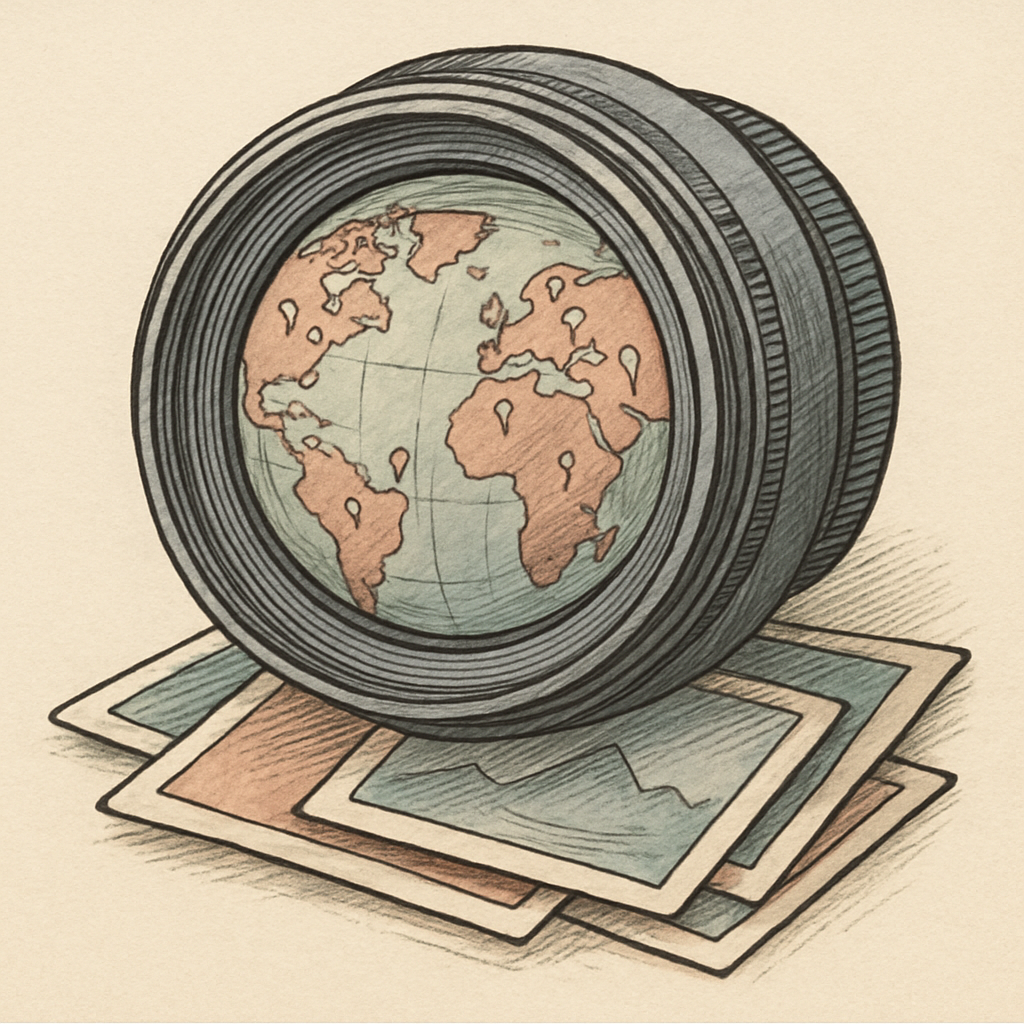
A PDF can feel like a sealed envelope: tidy, professional, and reassuringly difficult to edit. But if it contains photos, it may also be carrying a tiny digital travel diary. An image embedded in a PDF can retain EXIF metadata such as GPS coordinates, camera model, capture time, and orientation. That polished report, property listing, incident summary, or school newsletter could reveal more than its author intended. Your PDF may be saying, “Here is the document,” while its images whisper, “Also, here is where I was standing.”
EXIF Metadata: The Photo’s Extremely Chatty Sidekick
EXIF, short for Exchangeable Image File Format, is metadata stored with many digital photographs. It helps devices organize and display images correctly, but it can also hold surprisingly specific details. Depending on the camera, phone, and export process, EXIF data may include:
- Latitude, longitude, and sometimes altitude
- The date and time the image was captured
- Camera or device model, lens details, and exposure settings
- Image orientation, editing software, and copyright fields
GPS location data can be particularly revealing. Under good conditions, modern phone location estimates can often be accurate to roughly 5 to 10 meters. That is plenty precise enough to distinguish a public park from a nearby home, office, clinic, or school. A single coordinate may be harmless context. A collection of them can sketch routines, frequently visited places, and the location behind a supposedly anonymous photo.
Not every image file contains every EXIF field, and not every PDF creation method preserves it. But “probably stripped” is a poor privacy policy. Some PDF workflows preserve original image streams, include source files as attachments, or retain related metadata in the document. Others remove much of it. The result depends on the tools and settings used, which makes assumptions the real villain of this story.
When a PDF Image Becomes a Location Pin
PDF image privacy matters most when documents leave their intended circle. A file sent to a colleague is one thing. A PDF posted on a public website, shared with a broad mailing list, or submitted to a public process is another. Once copied, indexed, downloaded, or forwarded, it becomes difficult to control who examines the file and its hidden details.
Consider a few ordinary scenarios. A field report includes photos of a damaged site. A portfolio contains behind-the-scenes images. A community notice includes snapshots taken near a volunteer’s house. A complaint includes photographs intended to document an issue, not the photographer’s location. In each case, embedded image metadata can turn useful visual evidence into an accidental geolocation clue.
The privacy impact can extend beyond the person who created the PDF. Coordinates may identify a client location, a child’s activity venue, a sensitive facility, or the home of someone who did not realize they were part of the document’s backstory. Timestamps can also reveal when an event occurred, while device details may expose more about the capture workflow than necessary.
Metadata Spring Cleaning Before You Share
The fix is not to panic or ban photos from PDFs. It is to treat metadata review as part of publishing, just like checking spelling and removing tracked changes. Before sharing a document publicly, use a deliberate workflow:
- Inspect the original images locally. Check whether they contain location, timestamp, or device information before they enter the PDF.
- Create sanitized copies. Remove location data and other unnecessary metadata from copies, while keeping the originals safely stored if they are needed for records.
- Rebuild and review the final PDF. A clean source image helps, but verify the finished document too. Check document properties, attachments, and the images included in the exported file.
- Match the cleanup to the audience. Internal records may have legitimate reasons to retain metadata. Public-facing PDFs usually need a much stricter standard.
- Make it routine. A simple checklist prevents a one-off oversight from becoming a permanent online breadcrumb trail.
There is a practical balance to strike. Metadata can support authenticity, recordkeeping, and image management, so deleting it blindly is not always appropriate. The key question is whether each field is necessary for the audience receiving the PDF. If it is not, it is usually better left out.
For a browser-based workflow, pdfb2.io offers an image-to-pdf tool that can help you create a fresh, shareable PDF from images you have reviewed and sanitized, without uploading those files to a server.
Disclaimer: This article is for informational purposes only and does not constitute legal, professional, or compliance advice. Always consult qualified professionals for specific guidance.
Ready to Try PDFb2?
Process your PDFs privately in your browser — 2 free downloads per day, no account needed. Your files never leave your device.
Try PDF Tools Free