
The GPS Coordinates Hiding in Your PDF Images
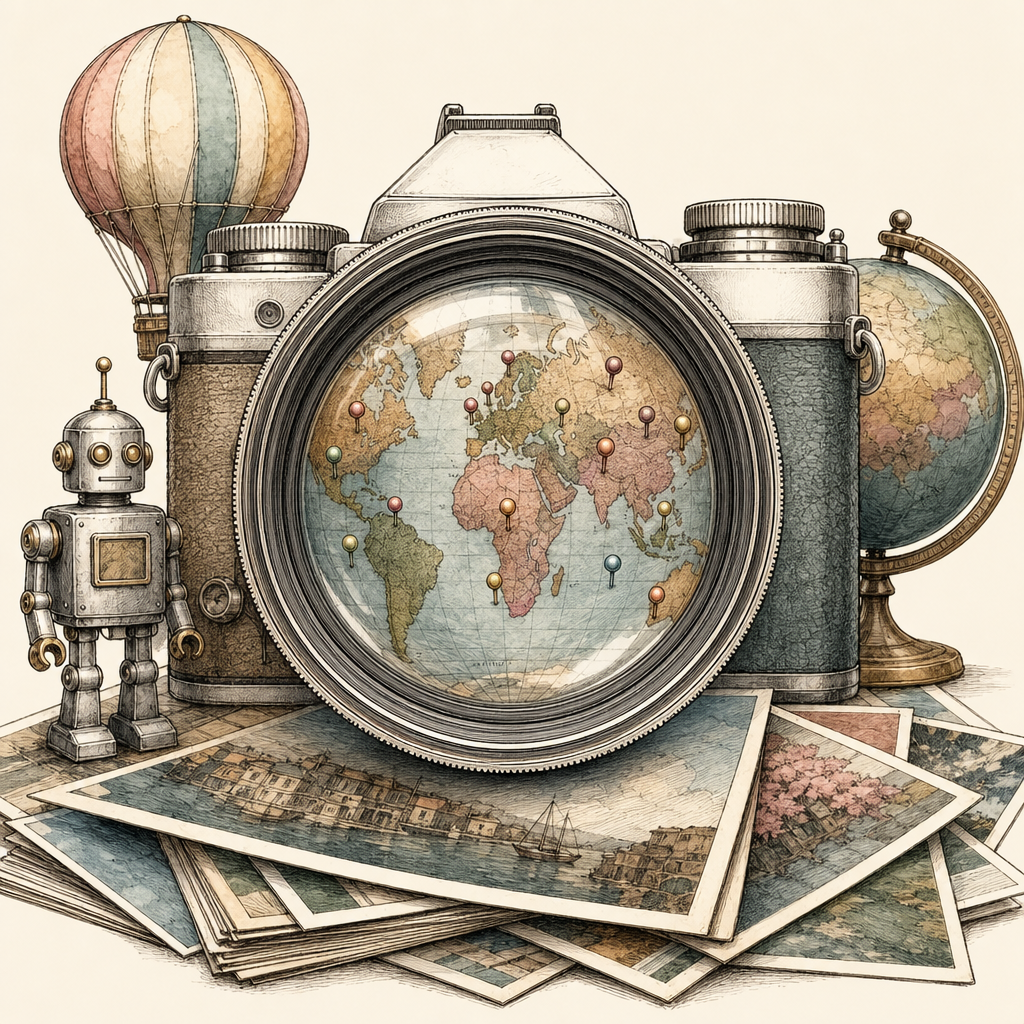
You thought you were sharing a harmless PDF. Maybe it was a property brochure, a field report, a scanned receipt, a portfolio, or a lovingly overproduced bake sale flyer. But tucked inside those crisp embedded images may be a tiny digital tattletale: EXIF metadata. In some cases, that metadata can include GPS coordinates, camera model, timestamps, and other details that politely whisper, this photo was taken at 40.7128 latitude, and also here is the device that did it. Charming? Technically impressive. Privacy-friendly? Not always.
EXIF Metadata: The Camera Roll’s Secret Diary
EXIF, short for Exchangeable Image File Format, is metadata commonly stored inside image files. It helps cameras and phones remember useful details such as shutter speed, orientation, date, lens settings, and sometimes geolocation. That information can be handy when organizing photos, editing images, or proving when something was captured.
The problem starts when images move into documents. Many people assume converting images to PDF magically scrubs the original image data. Sometimes it does. Sometimes it does not. Depending on the software, workflow, and compression settings, embedded images in PDFs may retain metadata from the original files.
That can include:
- GPS coordinates showing where a photo was taken, often precise enough to identify a home, workplace, school, or project site.
- Timestamps revealing when a photo was captured, not just when the PDF was created.
- Camera or phone model that may expose device type or help profile a user’s equipment.
- Orientation and editing data that can reveal how and sometimes where the image was processed.
In practical terms, a PDF is not always a clean wrapper. It can be more like a suitcase where old receipts, hotel keys, and one mysterious charging cable remain in the side pocket.
Geolocation in PDFs: Small Data, Big Privacy Problems
GPS metadata in PDF images can create real privacy risks, especially when documents are shared publicly or sent outside a trusted group. A photo taken at home and placed into a report may disclose a private residence. A construction image may reveal the exact location of a restricted site. A scanned document with a phone photo may show where the scan happened, not just what it contains.
The numbers do not need to be dramatic to matter. A single PDF with 12 embedded images can potentially contain 12 separate sets of metadata. If even one image includes GPS tags, that may be enough to expose a sensitive location. Modern mobile GPS data is often accurate within roughly 5 to 20 meters in good conditions, which is close enough to make privacy professionals sweat into their coffee.
Public sharing raises the stakes. PDFs posted on websites, uploaded to portals, included in legal packets, shared with media, or attached to community notices can be downloaded, copied, archived, and analyzed long after the original author forgets they exist. Metadata does not need a spotlight. It just needs to be present.
This matters for many everyday documents:
- Real estate packets with interior photos taken at private addresses.
- School or childcare materials containing images captured at sensitive locations.
- Workplace reports showing restricted facilities, job sites, or client premises.
- Legal or insurance documents where timestamps and locations may reveal more than intended.
- Activism, journalism, or public complaints where location privacy can be personally significant.
How to Stop Your PDF From Oversharing
The safest approach is to treat images as privacy-bearing objects before they ever become part of a PDF. The visible pixels are only part of the story. The invisible metadata may deserve just as much attention.
Before sharing a PDF publicly, use this quick privacy checklist:
- Inspect source images first. Check whether photos contain EXIF metadata, especially GPS latitude and longitude.
- Remove geolocation data. Strip GPS tags before placing images into documents intended for public sharing.
- Flatten or re-export carefully. Some workflows create cleaner image copies, while others preserve original metadata. Test before relying on habit.
- Review PDF document metadata too. PDFs can also contain author names, software details, creation dates, and revision history.
- Use redaction correctly. Covering content visually is not the same as removing underlying data. True redaction must delete the information.
- Keep sensitive originals private. Share only the minimum version needed for the audience.
It is also wise to build metadata checks into team workflows. If your organization publishes PDFs regularly, make metadata review as normal as spellcheck. Nobody wants a beautifully edited public report that accidentally includes a breadcrumb trail to someone’s front door.
The Actionable Part: Make Boring Metadata Boring Again
EXIF data is not evil. It is useful technical context that becomes risky when it travels farther than intended. The goal is not paranoia. The goal is publishing documents that say exactly what you mean to share, and nothing extra.
Before you turn images into a public PDF, take a minute to check what those images are carrying. Remove GPS coordinates, review timestamps, and make sure your PDF images are not quietly leaking geolocation data. For browser-based PDF work, pdfb2.io offers privacy-focused tools that run locally in your browser, including an image-to-pdf tool for creating PDFs without uploading files to a server.
Disclaimer: This article is for informational purposes only and does not constitute legal, professional, or compliance advice. Always consult qualified professionals for specific guidance.
Ready to Try PDFb2?
Process your PDFs privately in your browser — 2 free downloads per day, no account needed. Your files never leave your device.
Try PDF Tools Free