
Court Filing PDF Disasters That Made Lawyers Wish for Paper Again
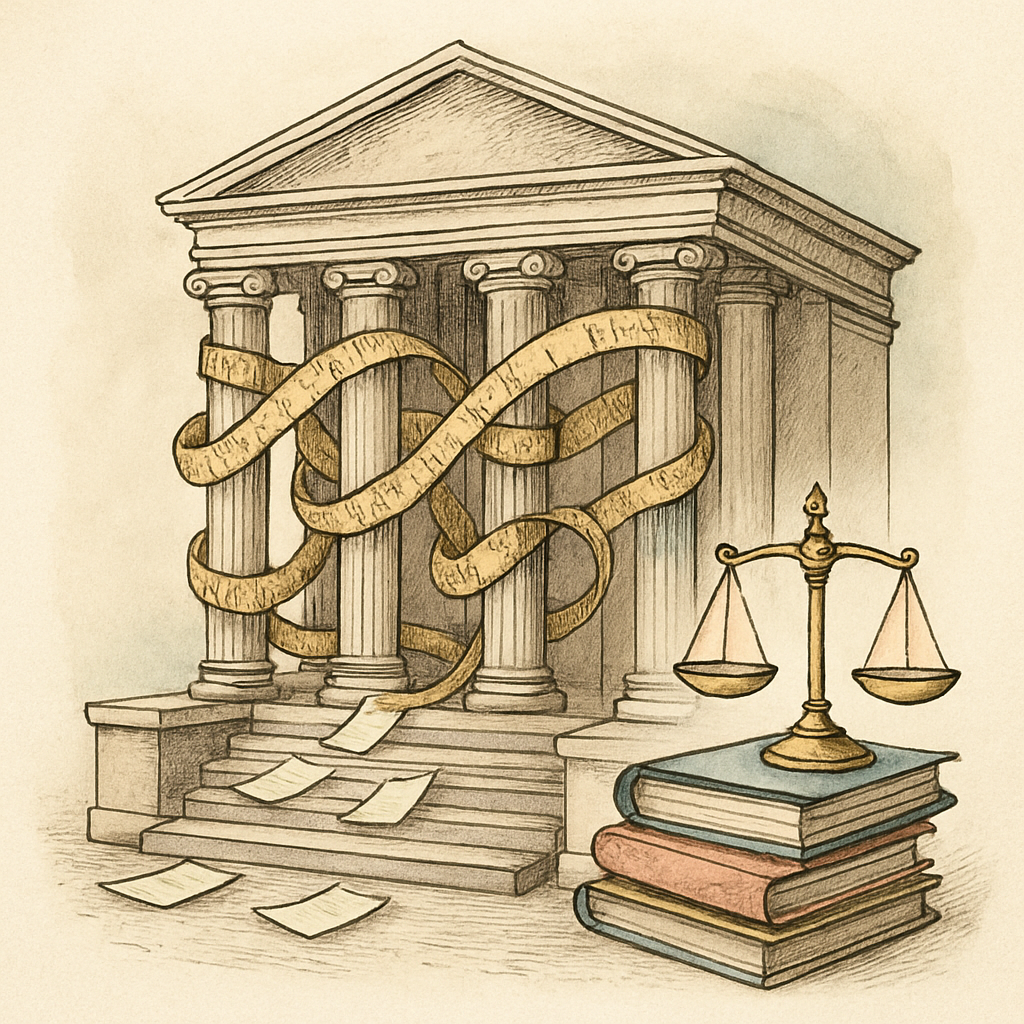
A paper cut is annoying. A PDF cut can become a motion to seal, a malpractice call, and an awkward explanation that begins, “Technically, the black box was decorative.” Court filing PDFs are built for speed, searchability, and instant distribution, which is wonderful until the file arriving on the docket is not quite the file anyone intended to share. From secret metadata to missing pages, digital filing errors have repeatedly turned routine legal work into expensive courtroom theater.
Black Boxes, Hidden Text, and Other Redaction Magic Tricks
Redaction is not a visual design choice. If a reader can select, search, copy, extract, or inspect the hidden content, it is not redacted. It is merely wearing a tiny disguise.
A 2023 state appellate decision described a particularly painful example. A legal team produced partially redacted electronic documents, but the embedded text remained searchable. Opposing counsel located the privileged material and quoted it in a summary judgment filing. The producing side sought disqualification, and the receiving side faced an ethics dispute that could have been avoided by testing the supposedly redacted PDF before sending it.
This risk is more than folklore from the department of unfortunate attachments. Researchers examining 11 widely used PDF redaction tools found that some could leak information through character-position data even when the visible text appeared covered. The research is a useful reminder that a visual check alone is not a compliance check.
Comments, tracked revisions, author fields, hidden layers, and annotations can also survive a conversion. A reviewer’s cheerful note saying “this argument is weak” is not meant for opposing counsel, yet it may still be riding along in the document’s metadata like an unwanted passenger.
The Wrong Version Is Always the One That Gets Filed
Every legal team has a folder containing files named “FINAL,” “FINAL 2,” and “FINAL USE THIS ONE.” That system works right up until the court receives “FINAL 2 old edits.pdf.” The federal judiciary is blunt about the problem: once an electronic filing is submitted, it cannot simply be deleted or edited. A filer who submits the wrong version must contact the clerk and follow the court’s local procedure.
Courts have seen the consequences. In one recent federal matter, a lawyer attributed errors in a motion to accidentally filing the wrong version while juggling other deadlines. The court emphasized that the filing attorney remains responsible for what is signed and submitted. In another dispute, a party had to litigate whether an incorrect electronic image attached to a filing was material enough to justify dismissal. The saved draft may feel harmless on a desktop. On a docket, it becomes part of the record.
The practical lesson is gloriously unglamorous: assign one filing owner, lock the final source, use a precise file name, and compare the PDF against the approved version page by page. The last review should happen after conversion, not before it.
When a Court PDF Decides to Become Abstract Art
Corrupted, password-protected, oversized, or improperly flattened PDFs can be deadline traps. In a reported appellate case, a party discovered a corrupted local file while attempting to upload a time-sensitive motion. Because nothing was transmitted before the deadline, the court declined to treat the filing as timely. The problem was local, not a court-system outage, and the distinction mattered a great deal.
Federal and state court guidance regularly flags PDFs that are unreadable, non-searchable, encrypted, missing pages, or incompatible with filing systems. The rule is simple and ruthless: if the clerk or judge cannot open and read it, your brilliant argument may as well be written on a foggy window.
Before filing, build a brief court PDF compliance check:
- Open the final PDF on a second device or viewer.
- Confirm page count, exhibit order, bookmarks, signatures, and legibility.
- Search for every term that should have been redacted.
- Inspect for comments, annotations, hidden text, and metadata.
- Verify the docket entry, case number, filing category, and final attachment.
- Save the filing receipt and accepted PDF immediately.
Federal privacy rules put the responsibility for redacting protected personal information on the filer, not the clerk. Rule 5.2 specifically addresses four categories of personal identifiers, but confidentiality duties can reach far beyond those basics. Treat court filing PDF review as a legal-quality-control step, not an administrative errand.
For a final privacy-focused check, pdfb2.io offers browser-based PDF tools that keep files on your device, including a redact tool that can help prepare sensitive material before filing.
Disclaimer: This article is for informational purposes only and does not constitute legal, professional, or compliance advice. Always consult qualified professionals for specific guidance.
Ready to Try PDFb2?
Process your PDFs privately in your browser — 2 free downloads per day, no account needed. Your files never leave your device.
Try PDF Tools Free