
Court Filing PDF Disasters That Made Lawyers Wish for Paper Again
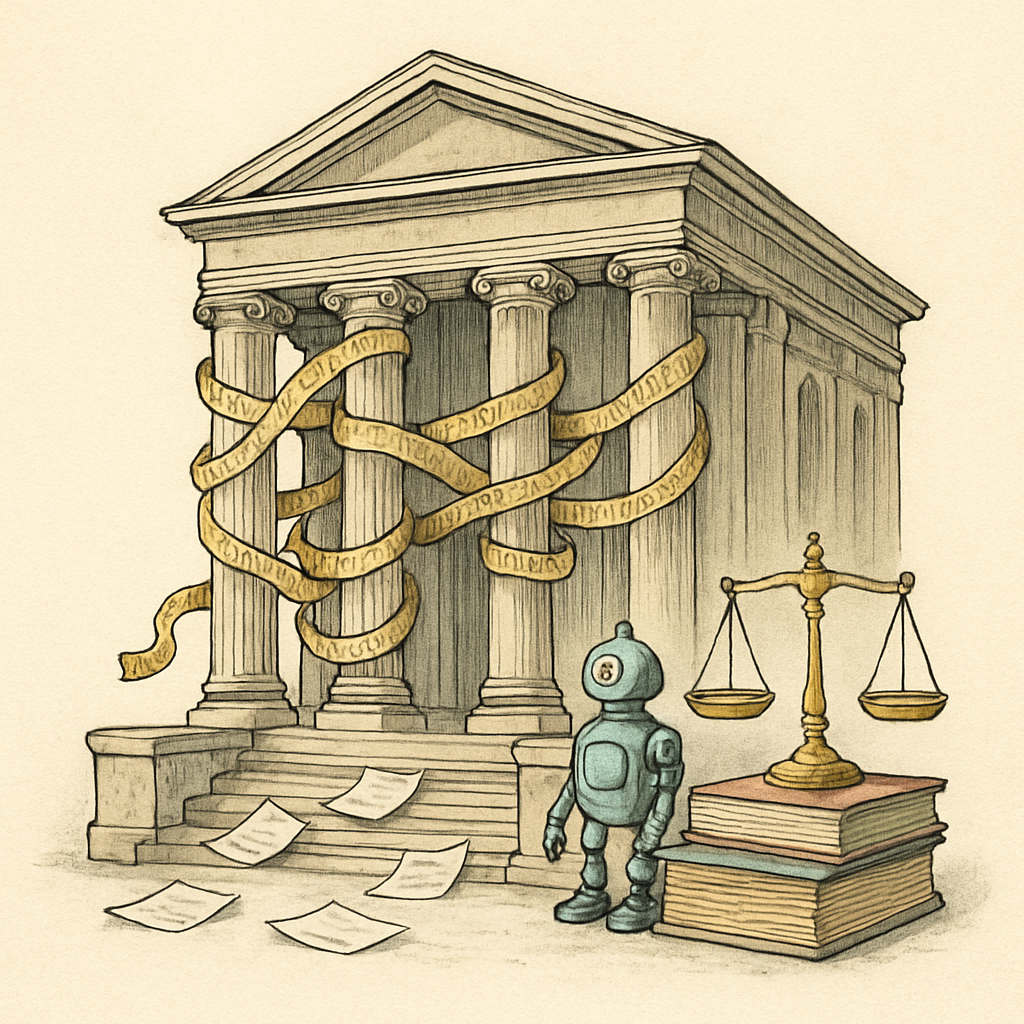
Picture this: A federal court case worth millions hinges on a single document. The attorney confidently submits their PDF filing, believing every sensitive detail is protected. Hours later, opposing counsel opens the file and discovers unredacted metadata revealing the attorney's internal strategy notes, revision history, and confidential client communications. The filing becomes exhibits in a disciplinary hearing instead of evidence in the case. Welcome to the world of PDF filing disasters - where one small oversight can derail entire legal proceedings.
The Hidden Metadata Catastrophe: When Your PDF Tells Tales
PDF metadata is like the digital equivalent of leaving your briefcase open in court. A survey of legal professionals found that approximately 63% of PDF documents created in standard office applications contain hidden metadata that could compromise confidentiality. This isn't paranoia - it's documented liability.
Consider a high-stakes employment litigation case where an attorney submitted a PDF résumé comparison document to support their argument. The file's metadata revealed creation dates, modification timestamps, and author information that contradicted the attorney's claims about when the analysis was conducted. The court sanctioned the firm for submitting misleading evidence, not because the document itself was false, but because the metadata told a different story.
Courts have increasingly recognized the importance of PDF integrity. Bar associations now receive complaints quarterly from opposing counsel who've discovered incriminating metadata during standard file review. Judges have dismissed motions, sanctions have been imposed, and professional reputations have been damaged - all because an attorney forgot to scrub the hidden layers of a PDF before filing.
The Wrong Version Nightmare: Accidental Discovery Gone Wrong
In a trademark infringement case, a law firm's attorney submitted what they believed was the final brief - clean, edited, and polished. Unknown to everyone, a parallel version with tracked changes remained embedded in the document properties. When opposing counsel extracted the comment threads, they found the attorney's internal notes: "This argument is weak, but let's try it anyway" and "The judge won't notice this loophole." The brief was withdrawn, the attorney faced disciplinary action, and the firm's credibility suffered irreparable damage.
This scenario, replicated across courts nationwide, has become so common that legal technology experts now recommend treating every PDF submission as if it will be forensically examined - because it will be. Court administrators report that embedded comments and change tracking in PDF filings occur in an estimated 15-20% of submissions, forcing judges to issue orders demanding clean versions be resubmitted.
The problem intensifies when attorneys work with multiple versions of complex documents. A simple copy-paste error or a forgotten file merge can result in outdated arguments, contradictory positions, or worse - information from abandoned strategies appearing in final court filings.
Corruption and Redaction Failures: When Protection Fails
PDF file corruption during upload-download cycles has compromised numerous court filings. While some corruption is unintentional, failed redaction attempts represent negligence in its purest form. In discovery disputes, attorneys have submitted PDFs with improperly redacted sensitive information - where text was merely covered with black boxes that could be removed or where redaction tools failed to permanently remove underlying data.
One notable case involved a government agency's discovery materials where sensitive information was "redacted" using transparent overlays instead of actual content removal. An attorney's summer associate discovered this within minutes using basic PDF tools, exposing classified information that should have remained protected. The case was compromised, sanctions were imposed, and the responsible attorney faced ethics complaints.
Courts now increasingly require detailed certification that redactions are permanent and that PDFs contain no hidden data, tracked changes, or recoverable content. Attorneys who cannot guarantee this certification face immediate judicial skepticism.
Protecting Your Court Filings: A Path Forward
The solution requires treating PDF preparation as a critical compliance function, not an afterthought. Before submitting any document to court, attorneys should:
- Remove all metadata and document properties
- Eliminate tracked changes and comments
- Apply permanent, irreversible redactions
- Verify file integrity and corruption
- Confirm no hidden layers or alternative versions exist
Tools that operate entirely in your browser - without uploading files to external servers - offer privacy-conscious solutions for this critical work. Since client confidentiality is paramount in legal practice, using browser-based PDF tools ensures your sensitive documents never leave your device during preparation.
If you're managing court filings, consider utilizing tools specifically designed for legal document preparation. For redaction work in particular, browser-based solutions that handle this function directly in your device provide both security and certainty that sensitive content is permanently removed before filing.
The lawyers who still wish for paper aren't nostalgic - they're traumatized. In our digital age, PDF filing requires the same meticulous attention to detail that characterized paper-based practice. The difference? One mistake in the digital realm affects millions of bits simultaneously, making prevention infinitely more important than recovery.
PDFb2.io offers free, browser-based PDF tools including a redact function designed specifically for privacy-conscious users who need to permanently remove sensitive information before sharing documents.
Ready to Try PDFb2?
Process your PDFs privately in your browser — 2 free downloads per day, no account needed. Your files never leave your device.
Try PDF Tools Free