
Court Filing PDF Disasters That Made Lawyers Wish for Paper Again
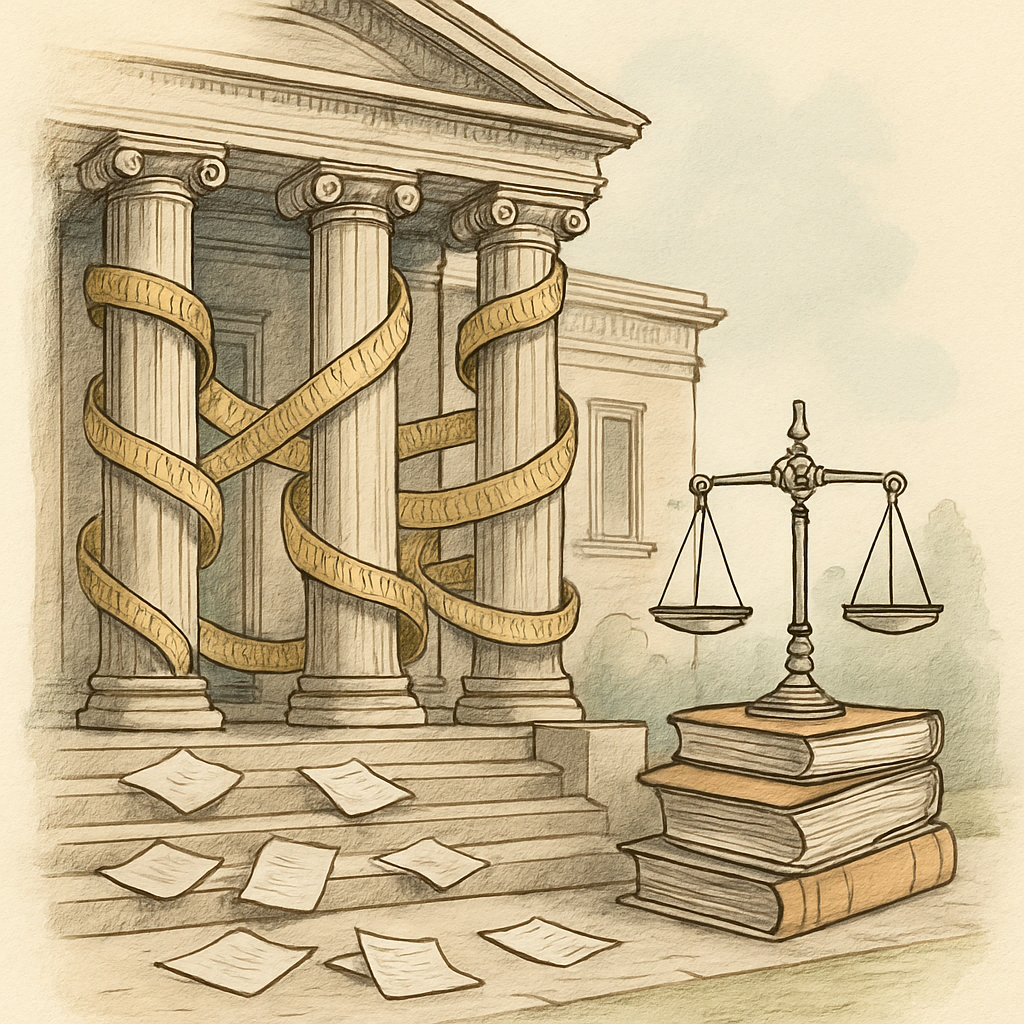
There's a special kind of panic that hits a lawyer's face when they realize their supposedly-redacted court filing still contains the original unredacted version hidden in the PDF metadata. It's the digital equivalent of accidentally including your grocery list in a critical brief. And it happens more often than you'd think.
In the era of digital court filings, PDFs have become the lawyer's best friend and worst enemy simultaneously. Studies suggest that approximately one in five legal professionals have experienced a significant PDF-related filing error, yet most incidents go unreported due to professional embarrassment. The consequences, however, are anything but funny - ranging from compromised client confidentiality to dismissed cases and disciplinary action.
The Metadata Monster: When "Delete" Doesn't Mean Delete
A federal court discovered that a law firm submitted a PDF containing tracked changes revealing the firm's entire litigation strategy and confidential attorney-client communications. The opposing counsel found sensitive comments, revision history, and author information embedded within what appeared to be a clean document. The kicker? The firm had spent hours manually redacting content, completely unaware that metadata was broadcasting everything they'd tried to hide.
This isn't an isolated incident. Courts have reported finding:
- Author names and timestamps revealing who drafted sensitive documents
- Complete revision histories showing negotiation positions
- Embedded comments that were supposedly deleted
- Hidden layers containing original, unredacted text
- Creator information linking documents to confidential sources
The Federal Rules of Civil Procedure don't explicitly require metadata removal, but courts have consistently held that inadvertently producing metadata can waive attorney-client privilege. One appellate decision noted that metadata exposure cost a law firm over $250,000 in sanctions - not for losing the case, but for what the metadata revealed about their preparation.
The Wrong Version Nightmare: When Your Draft Becomes Your Official Filing
Imagine submitting your rough draft to the court instead of your final version. Not just any draft - the one with notes like "weak argument here, strengthen before filing" or "opposing counsel will attack this section." This actually happened to a litigation team that accidentally uploaded Version 3 instead of the final Version 7 of their motion.
Court filing systems and email spam folders have both claimed responsibility for these mixups. The phenomenon is so common that many court administrators have started quietly notifying filers when their submissions appear incomplete or contain obvious drafting artifacts. The embarrassment is compounded by the fact that the opposing counsel now has access to your unpolished thinking, your strategic doubts, and sometimes your profanity-laced editorial comments.
Even worse than the wrong version is the corrupted file scenario, where a PDF becomes unreadable or partially corrupted during court submission. Several law firms have had their filings rejected and re-filed multiple times, each instance creating delays that jeopardized case deadlines. One firm's compression attempt turned a motion into visual soup - the court couldn't read it, the opposing counsel couldn't read it, and the filing deadline was already passed.
The Compliance Compliance Problem: Rules That Catch Everyone
Many jurisdictions now have explicit requirements about PDF submission standards. Some courts mandate specific metadata fields, others prohibit any hidden content, and a growing number require proof that documents have been "cleaned" before filing. Non-compliance with local rules has resulted in case dismissals, monetary sanctions ranging from $5,000 to $50,000+, and in rare cases, professional discipline.
The problem is that standard PDF editing tools often don't fully address these compliance needs. Many lawyers rely on whatever PDF software came bundled with their computer, which rarely includes proper redaction, metadata management, or compliance verification features. It's like performing surgery with a butter knife because it was available.
The Browser-Based Solution That Actually Works
The good news? Modern browser-based PDF tools have made compliance significantly easier. Unlike desktop software that requires installation and updates, browser-based PDF tools run directly in your browser with zero file uploads to external servers. This means your sensitive litigation documents never leave your control while you're managing them.
For court filing specifically, the critical tool is proper redaction. A quality redaction tool should permanently remove content, not just hide it behind black bars that can be stripped away. It should also clean metadata, remove revision history, and ensure no hidden layers remain. The difference between amateur redaction and professional redaction is the difference between a dismissed case and a won case.
Before submitting any PDF to a court, consider running it through tools that specifically address the three disaster categories: metadata editors to remove all author information and revision history, redaction tools to permanently remove sensitive content, and verification tools to ensure no hidden layers remain.
Your reputation as a legal professional depends on precision, attention to detail, and protecting client confidentiality. Your PDF submission process should reflect that same standard. Take fifteen minutes to properly prepare your filing. Your career might depend on it.
Learn more about how PDFb2.io's browser-based tools can help ensure your court filings are compliant, clean, and secure - especially the redact tool, which permanently removes sensitive content while eliminating all traces from metadata and revision history. All tools run entirely in your browser with no server uploads.
Disclaimer: This article is for informational purposes only and does not constitute legal, professional, or compliance advice. Always consult qualified professionals for specific guidance.
Ready to Try PDFb2?
Process your PDFs privately in your browser — 2 free downloads per day, no account needed. Your files never leave your device.
Try PDF Tools Free