
Every PDF You Upload to a "Free Tool" Lives Forever Somewhere
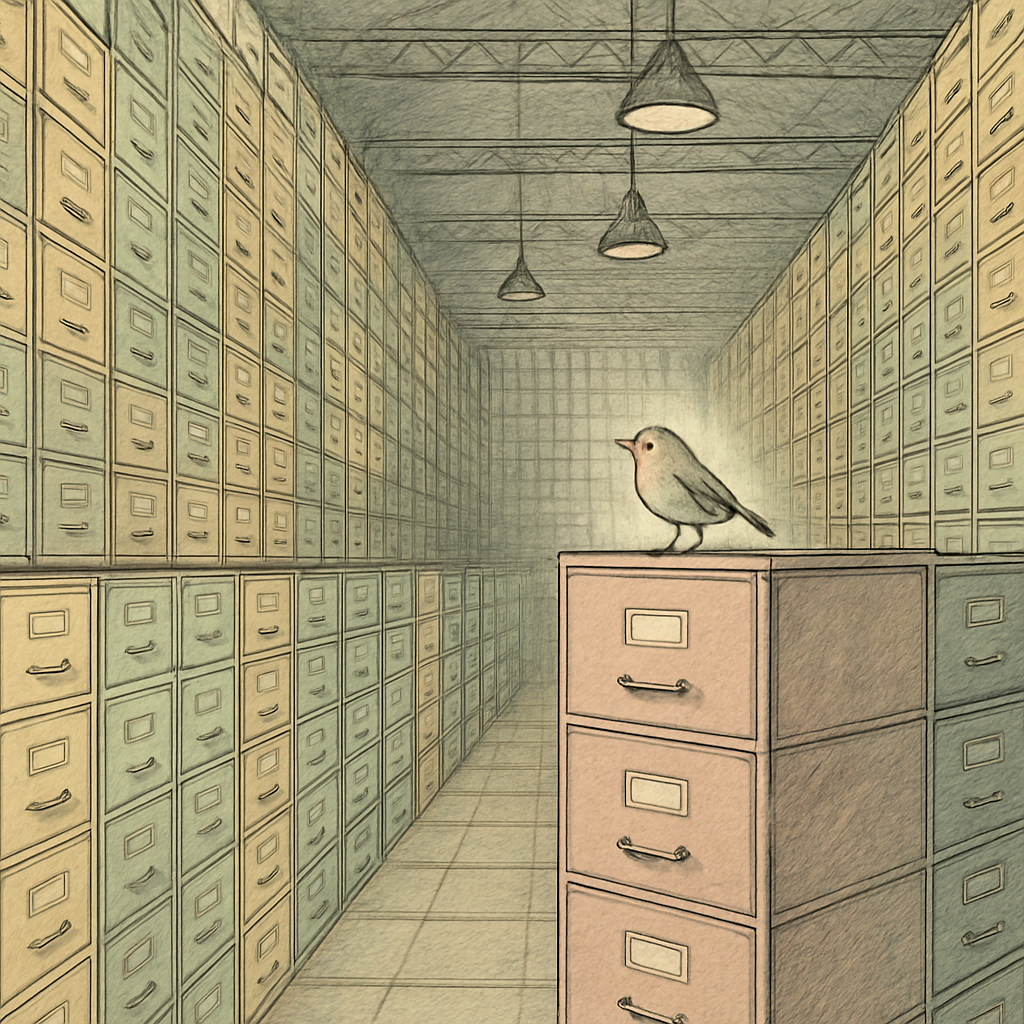
You just converted a PDF with a "free" online tool. It took 30 seconds, solved your problem, and you never thought about it again. But here's the uncomfortable truth: your document is probably still sitting on someone else's server right now, collecting digital dust in a data center somewhere, waiting to be breached, analyzed, or sold.
This isn't paranoia. It's how most free PDF services actually work. And the privacy implications are genuinely unsettling.
The Terms of Service Trap: Reading the Fine Print Nobody Reads
Free online PDF tools operate on a simple business model: you're not the customer; your data is. When you upload a file to a "free" service, you're trading your privacy for convenience - except you probably didn't realize you made that trade.
Here's where it gets sneaky. Most services bury language in their terms of service that grants them broad rights to your documents. Some explicitly state they retain files for "backup purposes" - sometimes indefinitely. Others claim they delete files after a certain period, but that promise is only as good as their infrastructure maintenance. One breach, one disgruntled employee, one ransomware attack, and suddenly your "deleted" documents become someone else's leverage.
The even darker part? Many free PDF tools reserve the right to analyze, process, or even train machine learning models on your uploaded files. Your confidential financial records, legal documents, medical information - all potentially valuable training data. And you gave them permission by clicking "I agree" without reading 10,000 words of legal jargon.
Server-Side Processing: Where Your Files Actually Go
Traditional "free" PDF tools work by uploading your entire document to remote servers, processing it there, and sending back the result. This architectural choice seems convenient, but it creates multiple security vulnerabilities:
- Data in transit: Your file travels across the internet multiple times, potentially intercepted at various points
- Data at rest: The file sits on someone else's server, subject to their (often inadequate) security measures
- Data breaches: Studies suggest that roughly 4,000 data records are breached daily across the internet. Cloud-based PDF services are attractive targets because they're consolidation points for sensitive documents
- Regulatory liability: If your document contains regulated information (HIPAA medical records, GDPR personal data, payment card information), uploading to unauthorized cloud services may violate compliance requirements
The documented history of cloud PDF service breaches is extensive. Companies offering "free" tools have repeatedly suffered compromises exposing thousands of user documents. And because these breaches often go unreported for months, users never learn their data was compromised.
The Better Alternative: Processing That Never Leaves Your Device
There's a better way - one that removes the entire server-side risk equation. Browser-based PDF tools run directly in your web browser, meaning your files never leave your device. They never touch a server. They're never stored on anyone else's infrastructure. They can't be breached, retained, or monetized because they were never exposed in the first place.
This isn't theoretical. Modern web browsers are powerful enough to handle serious PDF operations - merging, splitting, compressing, converting to images, and more. All client-side. All private. All faster than waiting for uploads and downloads.
The irony? These tools are often free too. But because they don't need server infrastructure or data monetization, they can actually respect your privacy without requiring payment or sacrificing security.
What You Should Do Right Now
Audit your PDF workflow. Where are you uploading files? Are those services keeping them indefinitely? Do their terms of service give you actual privacy guarantees? For any tool you use regularly with sensitive documents, consider switching to a browser-based alternative that processes locally on your device.
If file size is a concern - a common reason people use online tools - browser-based compression can help you create smaller files that are easier to handle without sacrificing privacy.
Your documents deserve better than being stored on someone else's server. They deserve to stay on your device, processed locally, and never exposed to the risks that come with cloud infrastructure. That's not just safer - it's also faster, more reliable, and genuinely respects the sensitive nature of the information you're working with.
Looking for privacy-first PDF tools? PDFb2.io offers 16 free PDF tools that run entirely in your browser - merge, split, compress, convert, sign, and more. Your files stay on your device, where they belong.
Disclaimer: This article is for informational purposes only and does not constitute legal, professional, or compliance advice. Always consult qualified professionals for specific guidance.
Ready to Try PDFb2?
Process your PDFs privately in your browser — 2 free downloads per day, no account needed. Your files never leave your device.
Try PDF Tools Free