
That Author Field in Your PDF Is a GDPR Liability
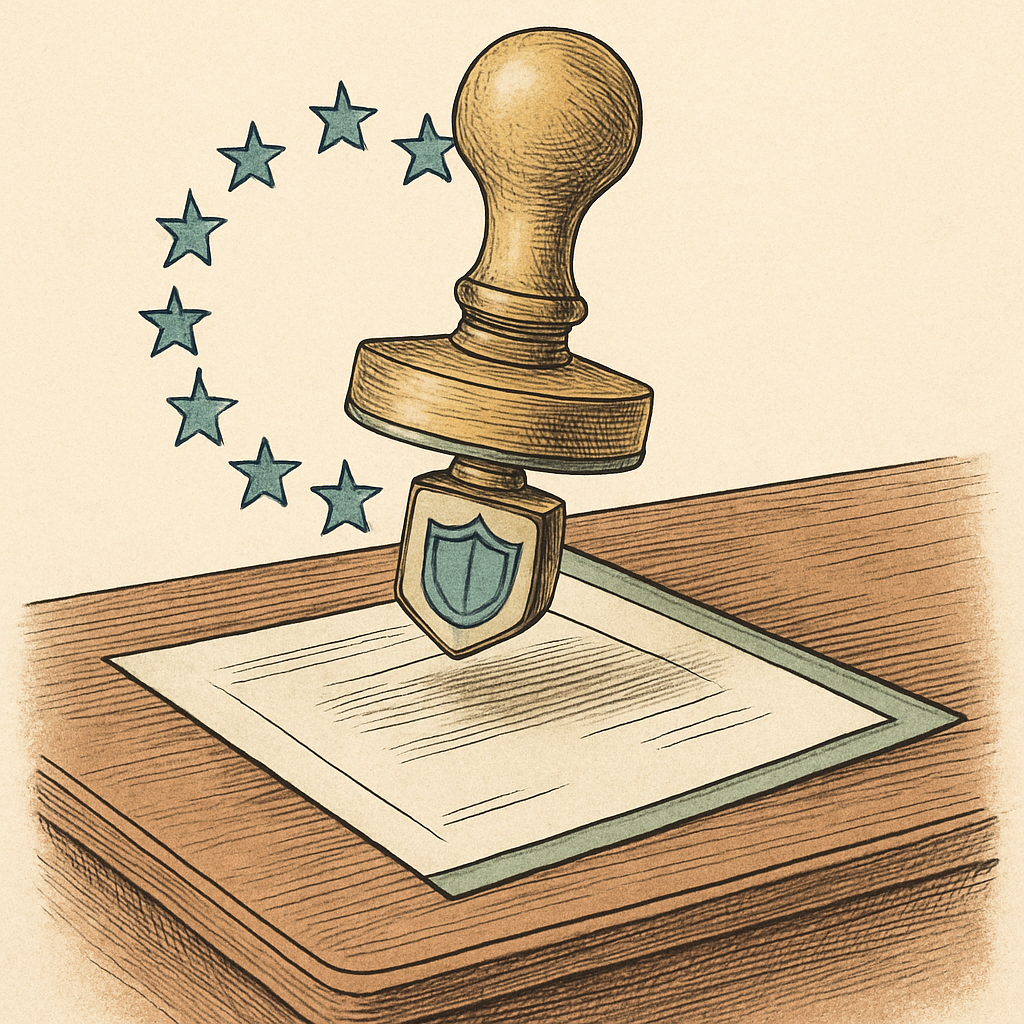
You have polished the layout, checked the figures, and exported the final PDF. It looks ready for its close-up. Yet an unnoticed Author field may be taking a colleague's name, work email, or username along for the ride. It is the digital equivalent of leaving a business card inside every envelope. For organizations subject to the GDPR, that tiny line can turn routine PDF sharing into a personal-data compliance question. Metadata is not glamorous, but neither is explaining why a supposedly anonymous document introduced its creator to every EU recipient.
Why PDF Author Metadata Counts as Personal Data
PDF metadata is the backstage pass attached to a document. Depending on software and settings, it can store an author name, work email, username, department, title, creation date, and editing details. The Author property is especially revealing because it often points straight to a natural person. A PDF can look anonymous on page one while its properties tell a more personal story.
Under Article 4(1) of the GDPR, personal data is information relating to an identified or identifiable natural person. An Author field containing a full name plainly qualifies. A work email, employee-style username, or a combination of role, department, and timestamp may identify someone in context. Ordinary professional details can still be personal data.
That does not mean every Author value automatically triggers an emergency meeting. A generic label such as Documentation Team may not identify a person, while a named employee can. The sensible question is whether a recipient could reasonably connect the metadata to a real person.
Sharing PDFs With EU Recipients Is Still GDPR Processing
When a PDF containing author metadata is emailed, added to a portal, attached to a support ticket, or shared through a data room, the disclosure is processing under the GDPR. If your organization falls within the Regulation's scope, sharing it with EU recipients deserves the same purposeful thinking as any other personal-data disclosure. The file's small size does not make the data invisible. Sadly, GDPR has no but it was only a property field checkbox.
Start with the basics: what is the purpose of identifying the author, and is that information necessary for the recipient? A contract review may reasonably need a named contact. A public brochure, vendor handout, or anonymized case study probably does not. If the recipient does not need the identity, retaining it by default can work against the GDPR's data-minimization principle in Article 5.
- Confirm that your privacy notice and internal records accurately describe the disclosure.
- Use a lawful basis appropriate to the underlying processing and purpose.
- Apply access controls and safeguards proportionate to the recipient and document type.
- Check comments, revision traces, and filenames for further personal data.
Consequences depend on the facts, scale, safeguards, and response, so one overlooked field is not automatically a blockbuster fine. Still, the GDPR permits administrative fines of up to €20 million or 4 percent of worldwide annual turnover, whichever is higher, for certain serious infringements. That is an expensive way to learn that author metadata was not decorative.
Make Metadata Checks a Boring, Brilliant Habit
Make metadata review part of the PDF publishing routine, not a rescue mission after a recipient spots it. The most useful check happens on the exported PDF, because templates and export settings can add fields you never deliberately entered.
- Open document properties and inspect Author, Title, Subject, Keywords, and Creator.
- Remove or replace unnecessary identifiers before external distribution.
- Use role-based labels only when they are accurate and do not identify an individual.
- Review comments, hidden layers, revision traces, attachments, and filenames before sharing.
- Document the review process for recurring or higher-risk PDF workflows.
Do not treat deletion as the only answer. When a named author is genuinely needed for accountability, support, or contractual communication, keep only the metadata that serves that purpose and make sure your wider privacy practices support it. That’s compliance with fewer acrobatics.
Before a PDF leaves your control, make the Author field a conscious choice rather than an export setting. For a quick final check, pdfb2.io offers browser-based PDF tools, including a metadata tool that lets you inspect and edit document properties on your device without uploading the file to a server.
Disclaimer: This article is for informational purposes only and does not constitute legal, professional, or compliance advice. Always consult qualified professionals for specific guidance.
Ready to Try PDFb2?
Process your PDFs privately in your browser — 2 free downloads per day, no account needed. Your files never leave your device.
Try PDF Tools Free