
That Author Field in Your PDF Is a GDPR Liability
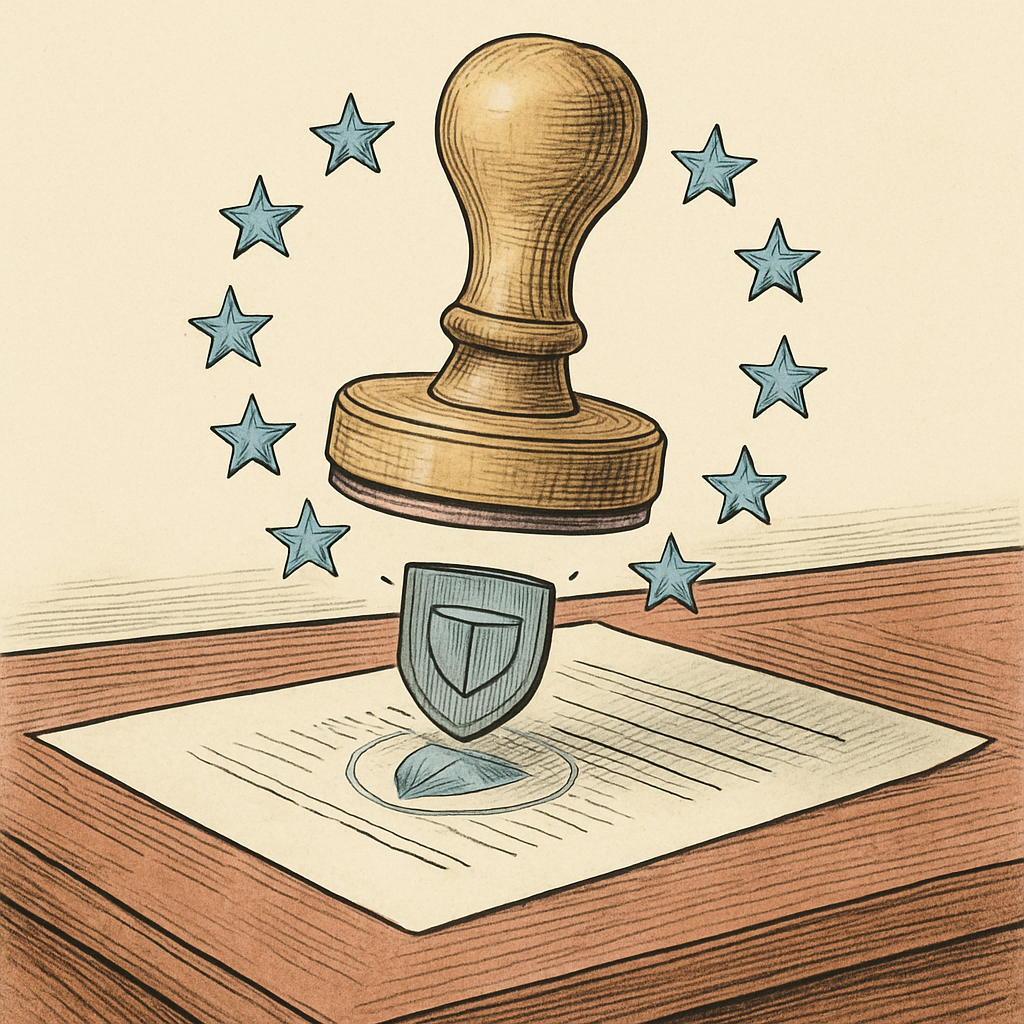
You just finished a crucial document. You hit save. You email it to a colleague in Berlin. Mission accomplished, right? Wrong. Buried inside that innocent-looking PDF file is a small but mighty liability - your name, embedded in the document's metadata as the author field. Under GDPR regulations, you've just shared personal data across borders without even realizing it. Welcome to one of compliance's sneakiest blind spots.
The Author Field: A Silent Data Liability
Most people don't think about PDF metadata. It's invisible, tucked away in the file's digital DNA, silently storing information about who created the document, when they created it, and which software they used. The author field - that seemingly innocuous detail - is precisely the kind of personal data that GDPR takes very seriously.
According to GDPR regulations, personal data includes "any information relating to an identified or identifiable natural person." A name, even just a first and last name in a PDF author field, absolutely qualifies. When you distribute PDFs with author metadata to recipients in EU countries - or anyone with EU ties - you're technically processing and transferring personal data. Without explicit legal basis or consent, this becomes a compliance violation faster than you can say "data breach notification."
The problem compounds when you consider how PDFs travel. That document you sent to one person gets forwarded to five others. Those five share it with their departments. Soon your name is floating across organizational networks, trapped in metadata that most recipients never think to check. A study by a leading cybersecurity firm found that approximately 68% of organizations don't have processes to strip metadata from documents before sharing them externally - a startling gap in basic compliance hygiene.
Why Your Organization Should Care (Beyond Fines)
Yes, GDPR fines reach up to 20 million euros or 4% of annual global turnover - whichever is higher. Those numbers certainly get attention in compliance meetings. But there's a less-discussed consequence: reputation damage and lost trust.
Imagine a scenario where a government agency or major corporation receives your PDF, discovers author metadata tied to a specific employee, and that information is later breached or mishandled. Your organization's name becomes associated with careless data handling. Customer confidence erodes. Business relationships suffer.
The compliance implications extend further: if you're sharing PDFs with EU residents or operating within the EU, you need a documented legal basis for processing that author metadata. "We didn't think about it" isn't a defensible position during regulatory audits. Organizations face increasing scrutiny around document handling practices, and metadata negligence has become a frequent finding in compliance reviews.
Simple Solutions Exist (Really)
The good news? Removing author metadata is straightforward. Most PDF tools include metadata editing capabilities that let you strip personal information before distribution. You can remove or anonymize the author field, creation date, and other identifying details in seconds.
The process should become routine: before sharing any PDF externally, especially with EU recipients or partners, take 30 seconds to review and clean the metadata. Delete the author field. Remove timestamps if unnecessary. Replace sensitive information with generic alternatives like "Company Document" or simply leave fields blank.
Organizations serious about GDPR compliance should build this into document-sharing workflows. Train teams that PDFs contain hidden data. Establish policies requiring metadata review before external sharing. Use tools that make the process effortless rather than creating friction that people work around.
If metadata management sounds tedious, consider that privacy-focused tools designed to run entirely in your browser - without uploading files anywhere - can make this painless. Browser-based solutions let you edit metadata directly on your device, maintaining complete control over sensitive information while ensuring compliance.
That author field probably felt meaningless when it was automatically added to your document. Under GDPR, it's anything but. Taking a few seconds to remove it before sharing protects your organization, respects recipient privacy, and transforms a compliance liability into responsible data handling. Your future compliance audit will thank you.
If you're managing multiple PDFs and need to strip metadata at scale, consider exploring free browser-based PDF tools - specifically metadata editors - that let you clean documents privately without relying on cloud uploads or external services.
Disclaimer: This article is for informational purposes only and does not constitute legal, professional, or compliance advice. Always consult qualified professionals for specific guidance.
Ready to Try PDFb2?
Process your PDFs privately in your browser — 2 free downloads per day, no account needed. Your files never leave your device.
Try PDF Tools Free